

You want to run a survey and you are stuck on the question of which survey tool actually suits you? The choice is huge, and nearly every provider promises the same thing. The difference only shows up once the first responses come in.
There is no single best survey tool in 2026: empirio.ai fits when data protection and AI support matter, Google Forms suits quick private polls without sensitive data, Microsoft Forms suits teams already living in Microsoft 365, and SurveyMonkey and Typeform suit international projects with a budget for a paid plan. We checked the pricing and help pages of all five providers on 11 August 2026.
📌 The key points at a glance
- Google Forms is completely free with no cap on responses.
- empirio.ai is free for up to 50 participations per month.
- Microsoft Forms allows 200 responses per survey on the free plan.
- SurveyMonkey shows 40 free responses per survey.
- Typeform counts 10 free responses a month across all forms.
Create a survey for free
With empirio.ai you can create a modern online survey in minutes — with hosting in the EU.
- AI-built survey
- Adjust by drag & drop
- Real-time analysis
What actually matters in a survey tool
A survey tool is software that lets you build a questionnaire online, share it and analyse the answers in one place. All five providers in this comparison can do that. The difference lies in when it starts costing money, where the data sits and how far the analysis carries you.
Before you decide, five points are worth a look. They sound unspectacular, but in practice they decide whether you still like your survey two weeks later.
- Response limit: how many responses can you see for free, and what happens to the ones above that?
- Question types: single choice, multiple choice, open text, matrix and scales. The overview of question types in surveys shows which form carries which purpose.
- Analysis and export: filters, crosstabs and an export to Excel or SPSS if you want to run your own statistics.
- Data protection: where are the servers, and do you get a processor contract? The article on data protection in surveys goes into the detail.
- Logic: jumps between questions, so nobody sees questions that make no sense for them.
If you are unsure about the structure, the guide on how to structure a survey will help you more than any tool. A weak questionnaire stays a weak questionnaire even in the most expensive software.
The 5 best survey tools 2026 in detail
Five tools cover almost every case in the UK market: empirio.ai, Google Forms, Microsoft Forms, SurveyMonkey and Typeform. The order is not a ranking, it follows the use case.
One note in our own interest: empirio.ai belongs to us. That is why our own tool comes first, so nobody discovers only in the last paragraph that we have a stake in this. What empirio.ai cannot do is stated just as plainly as what it can.
empirio.ai: the all-rounder with AI questionnaires and EU hosting
empirio.ai, an online survey tool from Germany, is the all-rounder of the five: from a private poll to a dissertation survey to customer and employee research. It builds the first questionnaire from a description: you say in one sentence what you want to know and get a draft with matching question types and answer options. The free plan covers up to 50 participations per month across as many surveys as you like, and the number of questions is unlimited on every plan (as of August 2026).
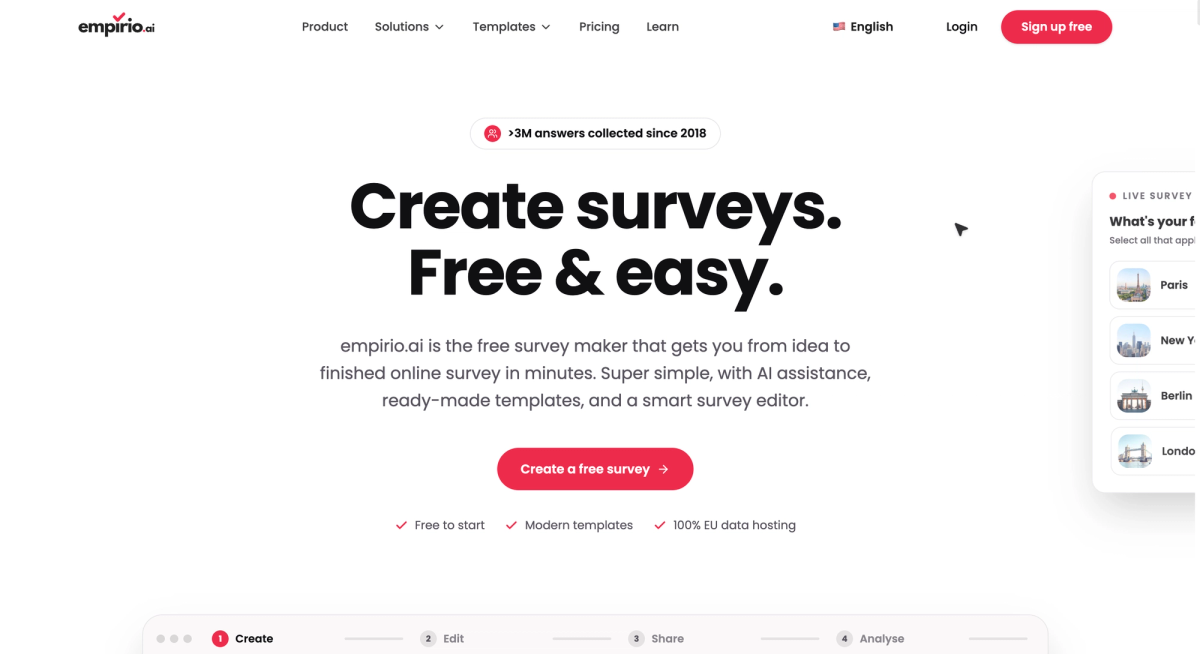
Paid plans start at £19 a month and raise the limit to 100, 1,000 or 3,000 participations a month. Export to CSV, Excel and SPSS comes with the Lite plan, AI analysis of open text answers from Plus. According to the provider, survey data sits on servers in the EU, and organisations can sign the processor contract with one click.
Perfect for: private polls, dissertation surveys, customer and employee research.
Strengths
- The AI builds the first questionnaire from a description.
- 50 participations a month across any number of surveys.
- Unlimited questions on every plan.
- Servers in the EU, processor contract signed with one click.
Limitations
- Data export only from the Lite plan upwards.
- No panel studies with quota control.
- No approval workflows for enterprise rollouts.
Google Forms: the free entry point
Google Forms, the free form tool from Google, is the only one of the five that is completely free and collects an unlimited number of responses. Above larger volumes some reporting drops away: the individual view above 10,000 responses, the summary above 50,000, and the sync with Google Sheets above 100,000. One form holds 300 pieces of content and 75 sections.
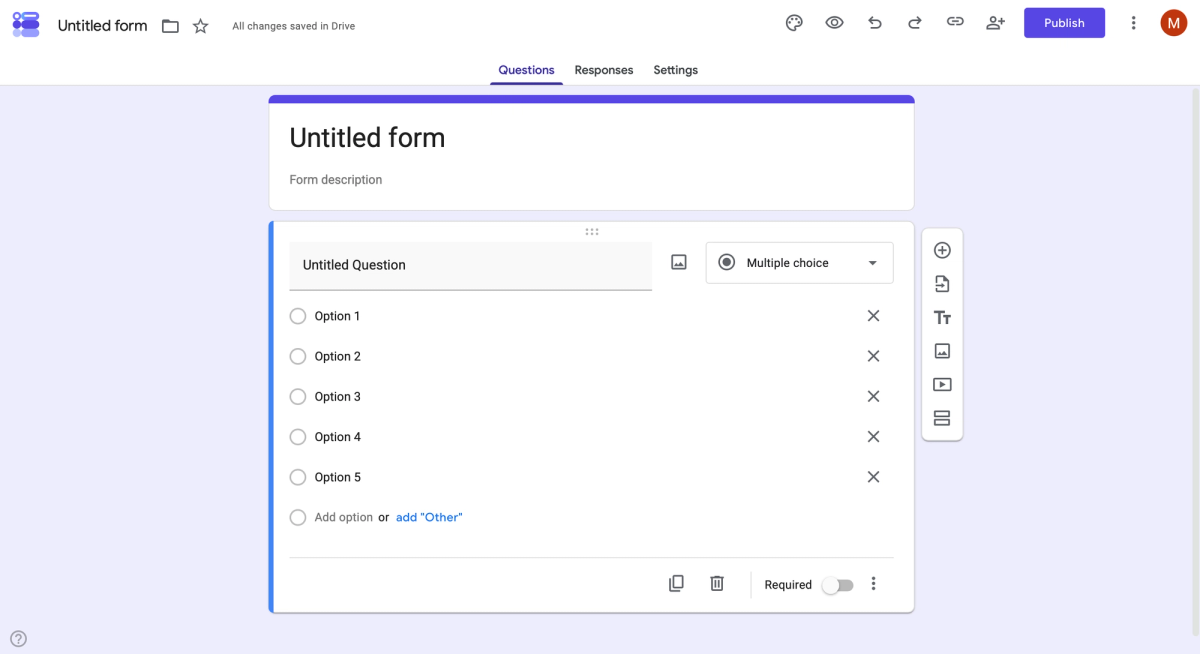
Twelve question types are available, and branching works on multiple choice, checkbox and dropdown questions. The data processing addendum is tied to a Google Workspace or Cloud Identity agreement and is accepted by a super administrator in the Admin console. A private Google account cannot do that. The AI help when creating a form also sits behind a paid subscription, for private users Google AI Pro or Ultra (as of August 2026).
Free, unlimited in responses and already inside every Google account, and yet quickly at its limit elsewhere. How the form builder holds up against a specialist survey tool is set out in our Google Forms alternative comparison.
Perfect for: free polls that collect no personal data.
Strengths
- Completely free, with no cap on responses.
- Responses run straight into Google Sheets.
- Twelve question types cover the standard cases.
Limitations
- The processing addendum needs a Workspace agreement.
- The individual view drops away above 10,000 responses.
- Branching jumps to sections, not to single questions.
- AI help only with a paid Google subscription.
Microsoft Forms: already inside Microsoft 365
Microsoft Forms is included in most Microsoft 365 plans, which is why it is available in many teams without anyone deciding to buy it. On the free plan with a personal Microsoft account a survey accepts up to 200 responses, on a paid account up to 1,000. One survey holds up to 200 questions and one account up to 400 forms (as of August 2026).
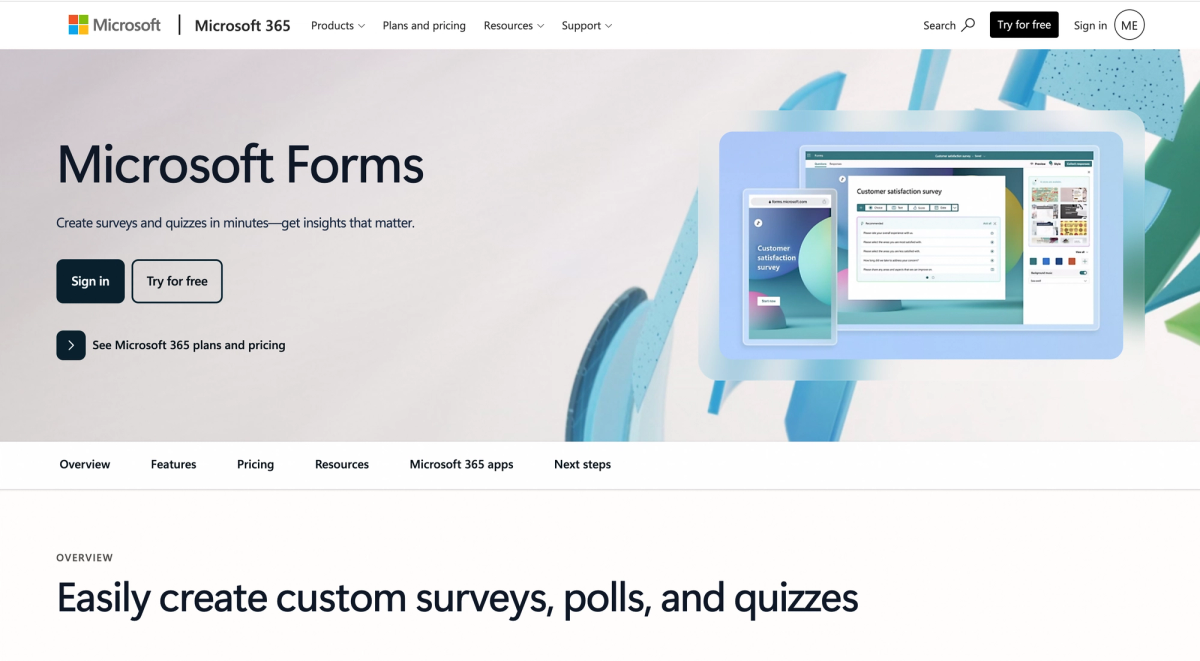
You often read that Microsoft Forms cannot do branching. That is wrong: the feature is included in every plan. Microsoft Forms only jumps forward, though. From question 4 you can go to question 5, 6, 7 or the end of the form, never back to question 2. If you need a jump backwards, reorder the questionnaire or pick a different tool.
One detail is almost always reported wrongly: the response limit applies per form, not per month, and with a work or school account it sits at five million. What that means for the choice is worked through line by line in our Microsoft Forms alternatives comparison.
Perfect for: teams that already work with Microsoft 365.
Strengths
- Included in most Microsoft 365 plans.
- 200 responses per survey on the free plan.
- Up to 200 questions per survey, 400 forms per account.
Limitations
- Branching only jumps forward, never back.
- The analysis stays at the basics.
- Without a Microsoft plan it rarely pays off.
SurveyMonkey: the international classic
SurveyMonkey is the international classic among survey tools and correspondingly broad. The free BASIC plan allows unlimited surveys with 10 questions each. Of the responses you collect you get to see 40 per survey, and that figure is not on the pricing page: SurveyMonkey only shows it once you are signed in, and it can differ by country (as of August 2026).
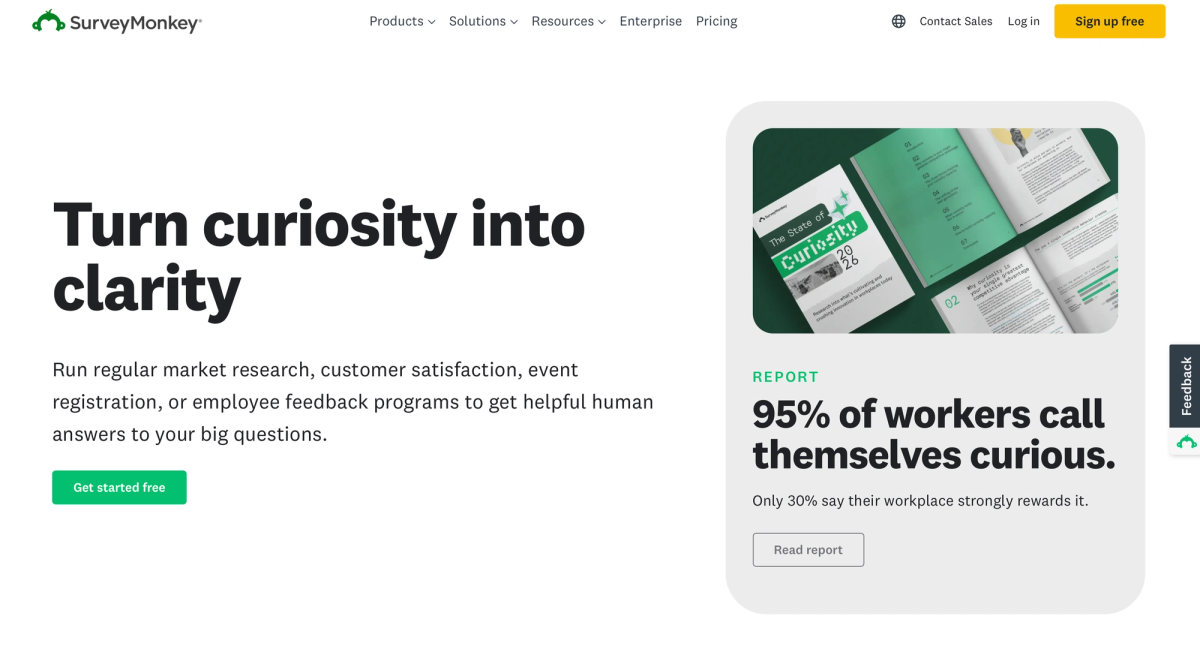
The cheapest paid plan starts at 39 euros a month on monthly billing and includes 1,000 responses a month. A data centre in the EU is open only to new enterprise customers, according to SurveyMonkey, and most European customer data sits on servers in the United States. Some AI features also work only with English-language surveys, by the provider's own account.
Perfect for: large studies with thousands of responses.
Strengths
- Unlimited surveys even on the free plan.
- 1,000 responses a month from 39 euros.
- A wide range of logic, filters and analysis.
Limitations
- Free gives you ten questions and 40 visible responses.
- Responses above the limit are deleted.
- An EU data centre only for new enterprise customers.
- Some AI features work in English only.
Typeform: one question per screen
Typeform is the international classic in its visually more modern form, strongly focused on forms: one question per screen, a calm layout, few distractions. The free plan allows unlimited forms but only 10 responses a month, counted across all forms together.
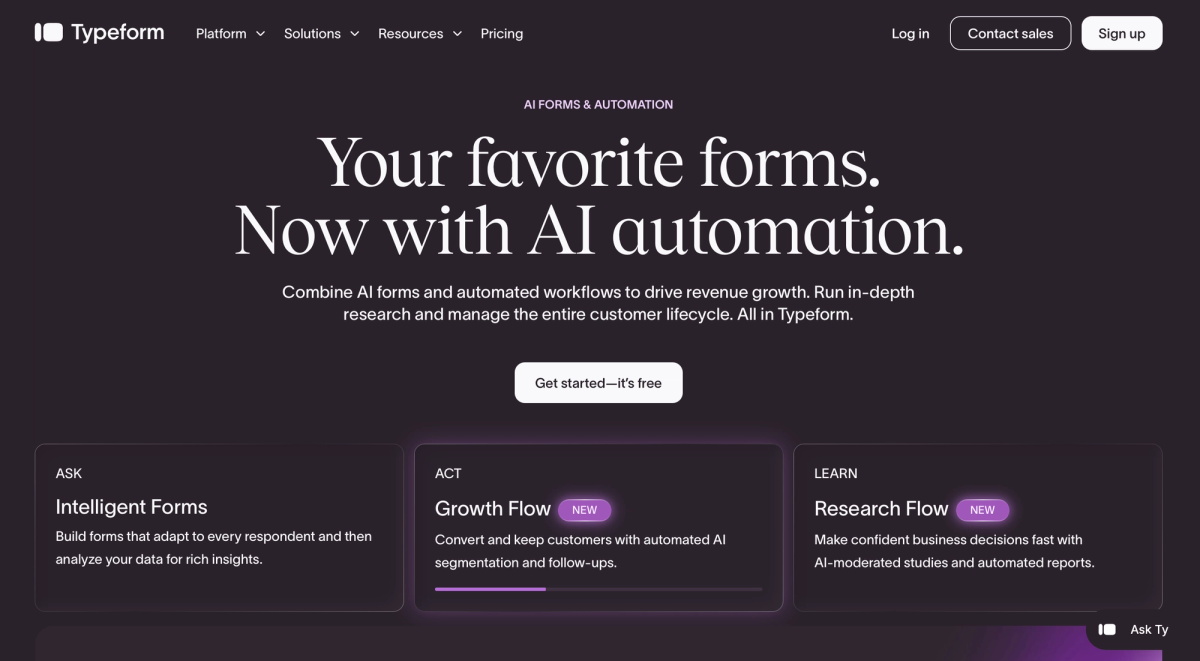
Paid plans start at 35 euros a month and then include 100 responses a month. Typeform states itself that it sometimes shows different prices, so a look inside your own account is worth it. EU hosting is offered only on the enterprise plan, and expressly only for new accounts.
Perfect for: short forms with one question per screen.
Strengths
- Calm layout, high completion rates on short surveys.
- Unlimited forms even on the free plan.
- From 35 euros a month you get 100 responses.
Limitations
- Free gives you 10 responses a month across all forms.
- EU hosting only on enterprise and only for new accounts.
- Different prices are shown at times.
Survey tools in direct comparison
The fastest way to a shortlist runs through two questions: how far does the free plan carry you, and where is the catch? Both are in the table, everything else depends on your use case.
The figures come from the pricing and help pages of the providers, checked on 11 August 2026. Limits change without notice and partly differ by country, so a look at the pricing page before you start is never wasted. How the two big form builders stack up directly against each other is set out in Google Forms vs Microsoft Forms compared directly.
| Tool | Free up to | The main catch |
|---|---|---|
| Google Forms | unlimited responses | processor contract needs a Workspace agreement |
| empirio.ai | 50 participations per month | data export only from the Lite plan |
| Microsoft Forms | 200 responses per survey | branching only jumps forward |
| SurveyMonkey | 40 responses per survey | EU data centre only on enterprise |
| Typeform | 10 responses per month | EU hosting only on enterprise |
As of August 2026, subject to change.
Which survey tool suits you?
Which survey tool suits you comes down to three things: how many responses you expect, how sensitive the data is and whether you want to run your own statistics afterwards. The table sorts the most common cases.
Find the row closest to your situation. If two rows fit, the one with the more sensitive data decides.
| Your case | What matters then | What that means for the tool |
|---|---|---|
| Survey for a dissertation | data protection and a clean export | empirio.ai exports to CSV, Excel and SPSS from Lite |
| Employee survey | anonymity and a known server location | EU servers at SurveyMonkey and Typeform need enterprise |
| Customer feedback on the move | short survey, mobile display | Typeform starts charging at the eleventh response |
| Vote in a club or society | free, no sensitive data | Google Forms states no upper limit for responses |
| Internal survey at work | no new tool to introduce | Microsoft Forms sits inside most Microsoft 365 plans |
| Representative market study | sampling and method | Who you ask matters more than which tool you use |
For a dissertation it pays to look at the online survey as an empirical research method before choosing a tool. For surveys inside a team, the software matters less than how you set up an anonymous survey properly. And when all you need is a quick vote in a club or among friends, no tool is required at all: the guide to running a poll in WhatsApp covers that route.
Create a survey for free
With empirio.ai you can create a modern online survey in minutes — with hosting in the EU.
- AI-built survey
- Adjust by drag & drop
- Real-time analysis
Free survey tools: where the limits really are
Free survey tools rarely fail because of missing features, almost always because of the response limit. The thresholds sit far apart: 10 responses a month at Typeform, 40 responses per survey at SurveyMonkey, 50 participations a month at empirio.ai and 200 responses per survey at Microsoft Forms. Google Forms is the only one that sets no limit at all.
Watch what each number refers to, because the providers count differently. Typeform adds up its 10 responses across all forms, SurveyMonkey and Microsoft Forms release their quota per survey, and empirio.ai counts 50 participations a month across every survey you run. With two surveys in the field at once, that difference decides everything.
The SurveyMonkey figure is the reason comparisons across the web disagree at this point. It is not on the pricing page, which says only that the number is limited and shown after you sign in. Inside a signed-in account it is 40 responses per survey.
What decides this is not whether responses get lost, but what the limit refers to. At SurveyMonkey the quota of 40 responses applies per survey and is spent once it is full, so running several short surveys gets you that allowance several times over. At empirio.ai the 50 participations count per month across every survey and reset each month, which helps with a study that runs for weeks. Best settle this point before the invitation goes out. Which other providers are worth weighing up is set out in our SurveyMonkey alternative comparison.
A paid plan pays off as soon as one of these points applies: you survey more people than the free plan allows, you need an export for Excel or SPSS, you want the provider notice removed from the survey, or several people should work on the same survey. What the whole thing costs in the end, including participants and your own working time, is worked through in what an online survey costs.
Common mistakes when choosing a survey tool
Most disappointments with a survey tool come not from the tool but from a decision made two weeks earlier. Three mistakes turn up again and again.
They share one feature: they only surface once the survey is running. That is exactly when switching is most expensive, because responses cannot realistically be moved from one provider to another.
Mistake 1: looking at the price and missing the response limit
The price is the most visible number on any plan page, the response limit is the most important one. A free tool is little use if nobody can see what was answered from response 51 onwards. Before you start, estimate roughly how many people you will invite and how many will realistically take part. Plan with the optimistic estimate, otherwise the limit lands in the middle of your fieldwork.
Mistake 2: checking data protection only after sending
In the UK, the UK GDPR and the Data Protection Act 2018 apply, and the Information Commissioner's Office oversees them. If you collect personal data for an employee or customer survey, you normally need a processor contract with the provider and you need to know where the data sits. Transfers outside the UK need their own safeguard, such as the International Data Transfer Agreement. How it works with a tool that keeps your data in the EU is shown in how to create GDPR-compliant surveys with empirio.ai. Your data protection officer decides the case, and this article is not legal advice.
Mistake 3: expecting too much from branching logic
Branching sounds like a detail and is the most common reason to rebuild a finished questionnaire. Microsoft Forms jumps forward only, and Google Forms jumps to sections rather than to individual questions. If your questionnaire needs to point backwards at some stage, test that one jump before you enter all the questions.
💡 Tip
Never test a tool with a joke question about a favourite colour. Rebuild the three hardest questions from your real survey, send the link to three people and then actually analyse the answers. After 30 minutes you know whether the tool holds up, and the hardest questions are already written.
Conclusion
The best survey tool is the one whose limit you reach only after your final response. If you stay below 50 responses a month and want a known server location, empirio.ai carries you for free. If you survey regularly, compare the price per response rather than the monthly price.
What to read next
- Ready to build the survey? Creating a questionnaire step by step
- Want to know the budget first? What does an online survey cost?
- Still need the questions? Survey templates and examples
- Surveying across borders? Set up a multilingual survey
- Want more responses? 6 tips for a successful online survey
- Collecting answers at an event? Create a survey with a QR code
Want your survey finished in the next ten minutes?
Describe in one sentence at empirio.ai what you want to know, and the AI drafts the first questionnaire for you. Up to 50 participants a month it costs nothing.