

You’ve worked out what you want to learn from your survey and your questions and answer options are ready to go? What’s still missing is everything around the questions: the text before the first question, the privacy notice, the order of the blocks and the page that appears once someone hits submit.
A survey is made up of four components in a fixed order: the introduction with a welcome, the purpose and a privacy notice, the main body with the questions on your topic, the demographic questions on age, gender and level of education, plus the closing page with thanks and contact details. The introduction and the closing page are pages in their own right, not questions.
How to word the questions themselves is covered in our guide on how to create a questionnaire. This article looks at the level above. The example running through it is an employee survey on job satisfaction.
📌 Key points at a glance
- The introduction carries the welcome, purpose, duration and privacy notice.
- Demographic questions usually go at the end, screening questions at the start.
- Consent and the privacy notice come before any question on your topic.
- Ask for personal details in categories only.
- Galesic and Bosnjak show that later questions get shorter answers.
- In empirio.ai, the welcome page and end page are pages of their own.
Create a survey for free
With empirio.ai you can create a modern online survey in minutes — with hosting in the EU.
- AI-built survey
- Adjust by drag & drop
- Real-time analysis
The four components of a survey at a glance
Each of the four components of a survey has exactly one job. The introduction builds trust and asks for permission, the main body delivers the data, the demographic questions let you break the results down by group and the closing page says goodbye while leaving the door open for follow-up questions.
Leave one out and your survey loses exactly that job: without an introduction there’s no reason to take part and without demographic questions you can’t tell afterwards whose opinions you actually measured.
| Component | Job | What goes in |
|---|---|---|
| Introduction | trust and permission | welcome, purpose, duration, data protection, consent |
| Main body | the actual data | questions from the general to the specific |
| Demographic questions | analysis by group | age, gender, level of education, occupational group |
| Closing page | saying goodbye | thanks, note on the results, contact details |
In a survey tool, two of these components aren’t questions at all but pages of their own. One sits before the questions and the other after them. You can switch each of them on or off independently of the questions.
Note
In empirio.ai, you add the welcome page and the end page to your survey as separate pages. Each one has a heading and a text section. You can activate either of them on its own or leave both out altogether. The questions themselves aren’t affected.
Part 1: The introduction with welcome and purpose
The introduction is the text participants read before the first question. After a short welcome, it answers five questions, in this order:
- Who is asking?
- What is it about and why are they asking?
- How long will it take?
- What happens to the answers and is taking part voluntary?
- Why is it worth taking part?
For the employee survey, that’s quickly said. The HR department is asking. The reason is that the company wants to know what works well in day-to-day work and where things get stuck. It takes about ten minutes. The answers are analysed anonymously and taking part is voluntary. And it’s worth joining in, because the results are shared with everyone and used to agree on measures together.
The text doesn’t need to be any longer. Three to five sentences are enough. Anything more turns into a wall of text on a phone and costs you people who never start. What such a text looks like in practice and which wording suits a customer survey, an employee survey, a club or society survey or a dissertation questionnaire is covered in our article on the survey welcome message.
Besides the welcome, two more things belong at the start of the survey, depending on what you’re asking:
- Privacy notice and consent: the notice explaining what happens to the data and the consent to its processing.
- Information about the survey (if needed): If the topic needs more context, explain before the first question what it’s about and how you understand the key terms. For example: “This survey is about your workload. By that we mean the amount of work on your plate and the time pressure you’re under to get it done.” In the same way, you can briefly introduce the first block of questions: “The first few questions are about your working day.”
That way all respondents have the same information before they answer and you get answers you can rely on.
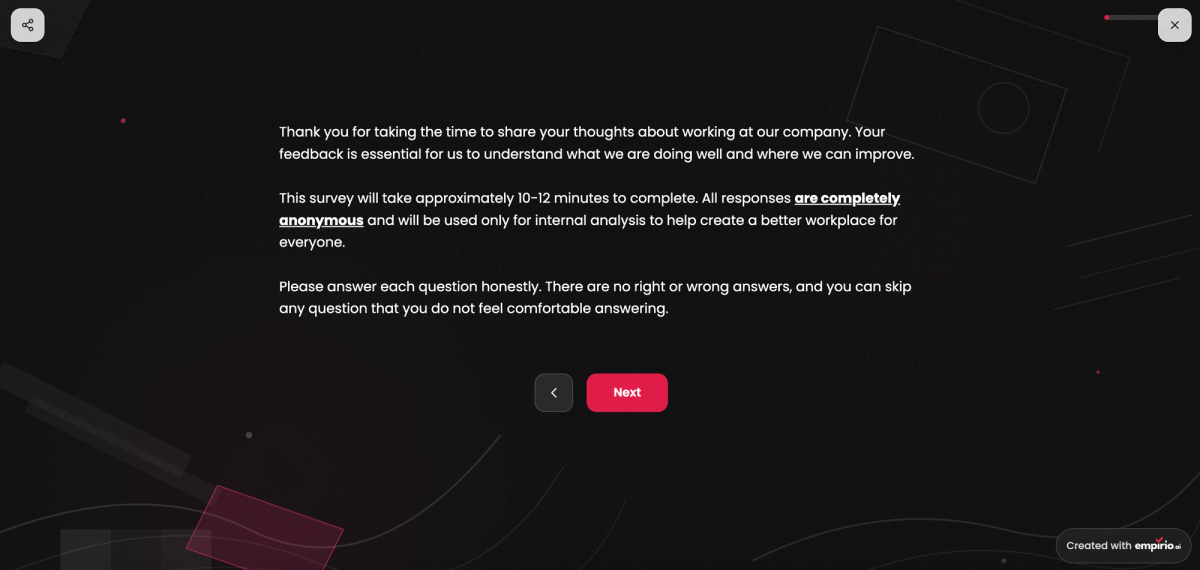
One point is regularly overlooked: the duration you announce is a promise. Say three minutes and take twelve and you’ll lose people halfway through. Half-completed questionnaires are usually worthless for the analysis.
A special part of the introduction: privacy notice and consent
The privacy notice belongs in the introduction, not at the end. It states who is responsible, what data is collected, how long it will be kept and that taking part is voluntary. Consent is not the same thing as the notice: the notice informs, the consent permits.
Technically these are two things on one page: a text section and a tick box that people have to tick themselves. Which lawful basis you need in the first place and what the text must include is covered in our article on data protection in surveys.
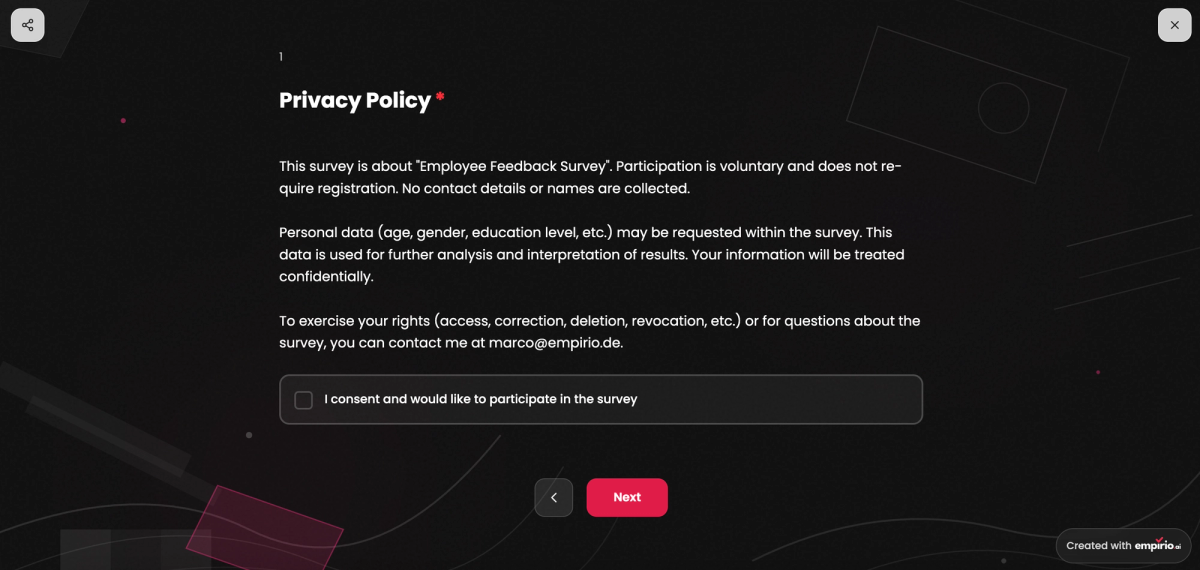
Where it sits matters: consent has to come before the first question on your topic. If you only ask for it after question three, those three answers have already been collected without permission. You can’t put that right afterwards, because the lawful basis has to be in place before the processing starts.
For a purely private poll among friends, you can skip both. As soon as a club, a university or a company is asking, both are needed, however small the survey.
Note
With empirio.ai you don’t have to write the privacy notice yourself. There’s a ready-made privacy and consent statement you can add to your survey in one click, complete with a consent tick box. You can then adapt the text to your own case. That way you can build a survey with very little effort that complies with UK GDPR and other regulatory requirements.
What the introduction looks like in a survey tool
In most survey tools, empirio.ai included, the introduction isn’t a single page. You set up a welcome page and can then add further pages before the first question appears. In technical terms, the introduction usually looks like this:
- Welcome page: the survey title, a sentence or two on the purpose and the start button.
- Privacy page: privacy notice and consent via tick box, before the first question on your topic appears.
- Further explanations (optional): a separate page with details about the survey, such as duration and anonymity, or a short introduction to the first block of questions.
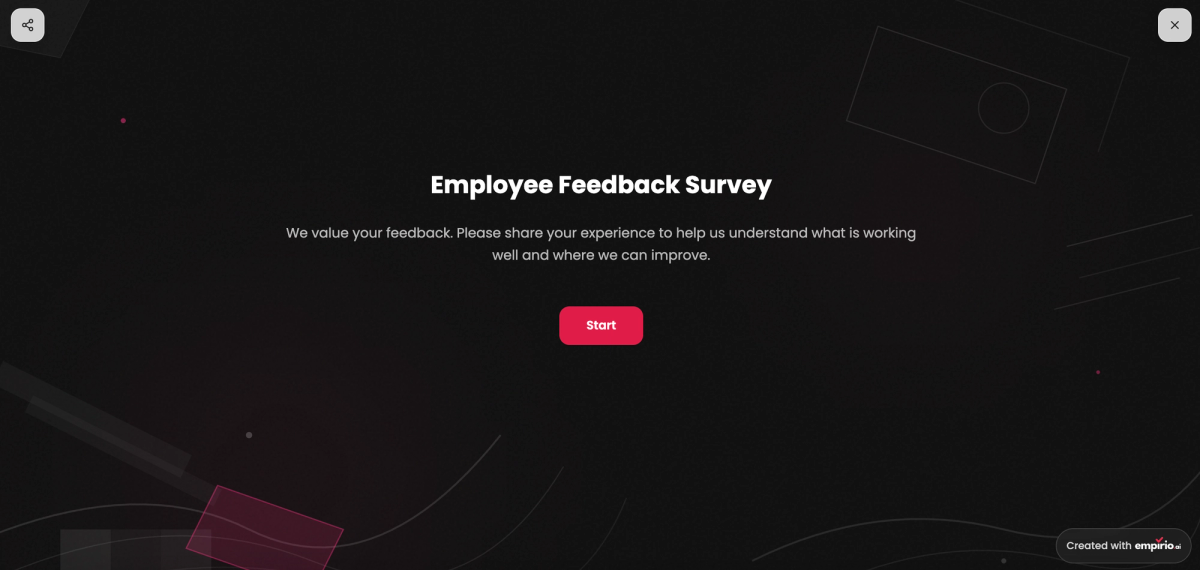
In this example, the person who created the survey opted for a separate welcome page to ease participants in. This is followed by a separate privacy page and then the first section with the questions.
Part 2: The main body with the questions on your topic
The main body contains the questions you really care about. When it comes to their order, a set sequence has proved its worth:
- Easy, general questions: Open with a question anyone can answer without thinking hard. It decides more than its own answer, because anyone who finds it difficult drops out.
- More specific questions: After that, things get more precise step by step. In the methods literature, this movement from the general to the specific is known as the funnel approach.
- Sensitive questions: Satisfaction with pay, conflict within the team or anything about health comes late, but not right at the end. By then participants have come some way and know the tone of the questionnaire.
In the employee survey, the main body therefore opens by asking how satisfied someone is with their job overall. Questions on workload, teamwork and management follow.
Each topic as a section of its own
Questions on related topics belong together. Jumping from workload to management and back to workload forces participants to switch topic with every question. That uses up attention they need for the answer itself.
In most survey tools, empirio.ai included, you set up each topic as a separate section. At the start of a section there’s room for a sentence or two saying what comes next. In the employee survey, that could look like this:
- Topic 1: Day-to-day work
- Question 1: How satisfied are you with your job overall?
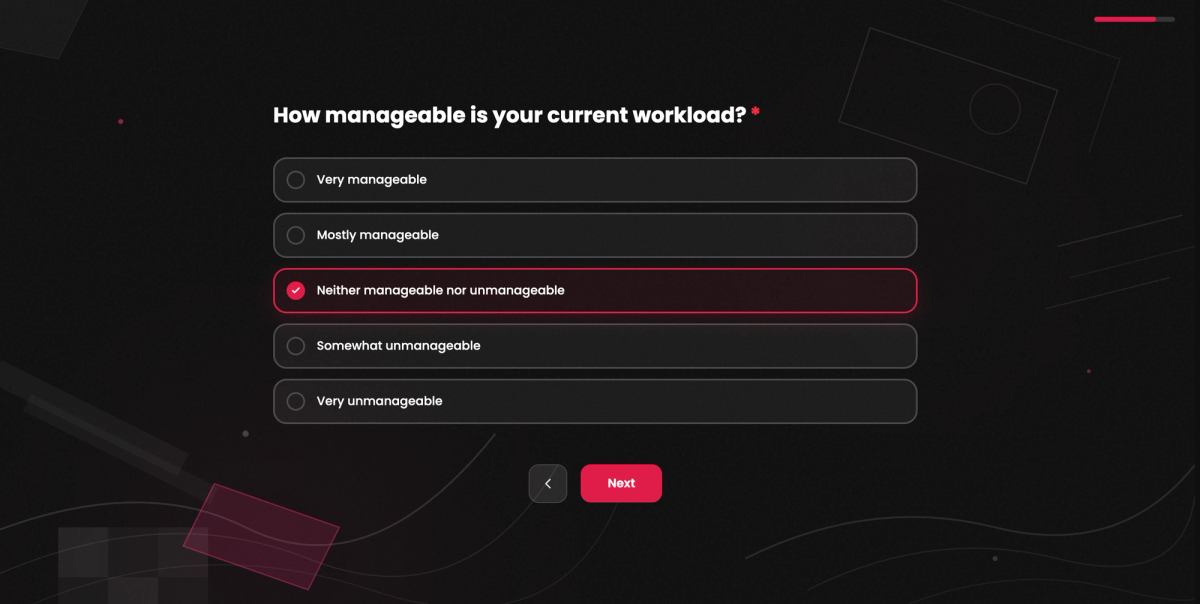
- Question 2: How manageable is your current workload?
- Question 3: Do you work from home at least some of the time?
- Topic 2: Working from home (only if the answer to question 3 was yes)
- Question 4: How well does coordinating with your team work when you’re at home?
- Question 5: How would you rate your equipment at home?
- Topic 3: Management and teamwork
- Question 6: How well supported do you feel by your line manager?
Logic: follow-up questions based on earlier answers
With logic, you only show questions or whole topics when an earlier answer makes them relevant. That way you gather more information exactly where it’s needed and everyone else is spared questions that don’t apply to them. Two typical cases from the employee survey:
- Following up on dissatisfaction: Anyone who says at question 1 that they are fairly dissatisfied gets an open question about the reasons. Anyone who is satisfied never sees it.
- Skipping topics: Anyone who says at question 3 that they don’t work from home goes straight to topic 3.
How to set up conditions and jumps like these is explained in our article on survey logic and branching.
Part 3: The demographic questions
Demographic details describe the person: age, gender, level of education, occupational group, sometimes place of residence or household size. They come after the main body because they take hardly any thought and so still get reliable answers when attention is flagging.
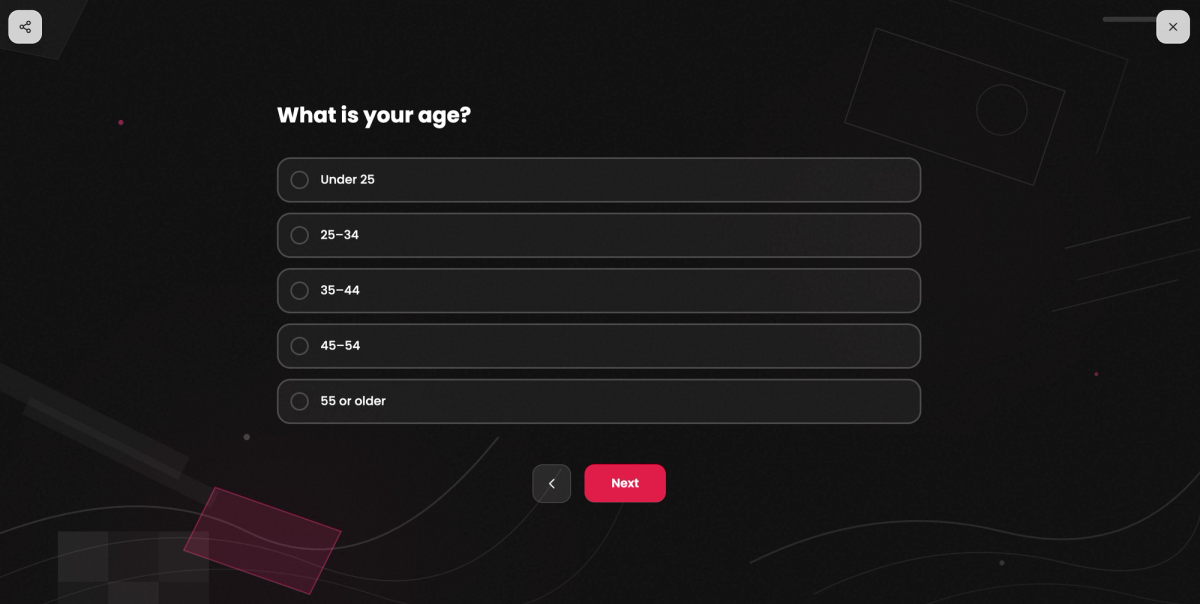
That position isn’t a hard and fast rule, though. The common argument that personal questions at the start put people off has weaker evidence behind it than it sounds. If you need to screen or set quotas by a particular characteristic, that question belongs at the front. Otherwise people outside your target group will fill in the whole questionnaire. The pros and cons of each position are weighed up in our guide to demographic questions.
Only ask for what you will analyse. There’s no point asking for an exact date of birth if you’ll report in age bands anyway. In a small department, even the combination of age, gender and length of service can make individuals identifiable.
In the employee survey, three details are often enough: department, length of service in bands and whether someone has management responsibility. Anything else would be collected without any analysis planned for it. And if you push everything to the end, you lose these details every time someone drops out.
Create a survey for free
With empirio.ai you can create a modern online survey in minutes — with hosting in the EU.
- AI-built survey
- Adjust by drag & drop
- Real-time analysis
Part 4: The closing page after the last question
The closing page is what appears once someone has submitted their answers. It has three jobs: to say thank you, to explain what happens to the results and to keep a route open for questions. That makes it the last impression your survey leaves.
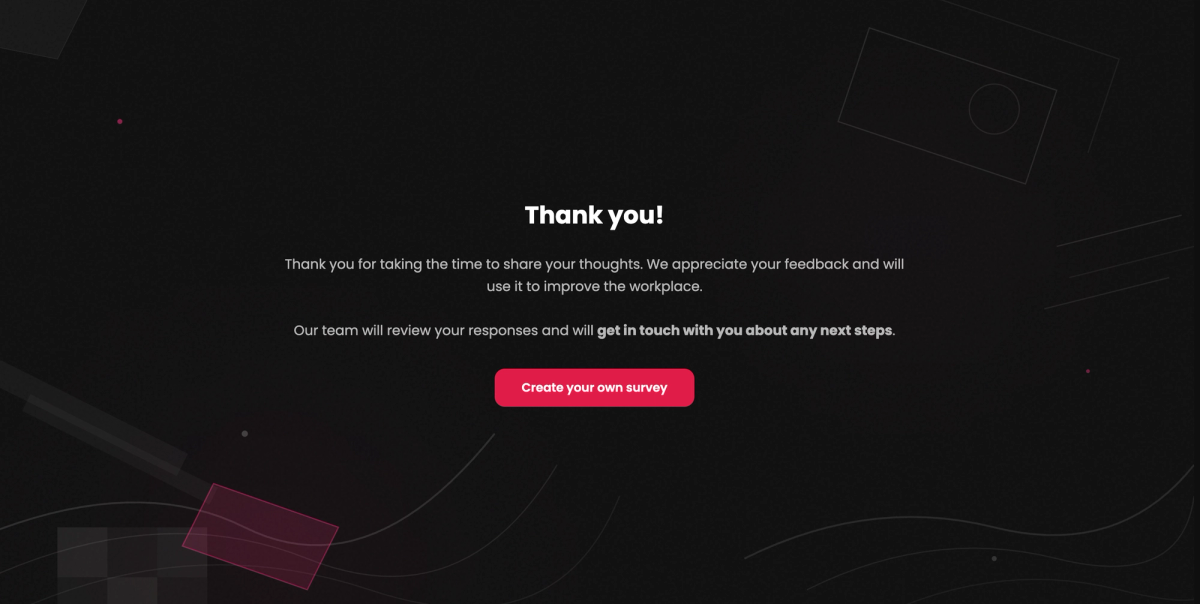
This is exactly what gets underestimated, because by this point the data is already in the system. For the next survey, though, that impression counts for a lot. People who felt properly thanked will take part again next time.
Anything that only happens after the survey also belongs on this page. A prize draw that needs an email address goes here rather than among the questions, because otherwise it would undo the anonymity of the answers. Which wording works well and how to keep the thanks, the note on the results and the prize draw clearly apart is covered in the article on the end of a survey.
In the employee survey, this page holds a sentence of thanks, a note on when the results will be presented within the company and a contact address for the HR department.
Tip
Make a point of thanking people on your survey tool’s end page rather than on an ordinary page at the end of the questions. The end page only appears once the answers have been submitted. If the thank-you is already on the last page of questions, many people assume the survey is over and close the window without clicking “Submit”. That means their response is never actually completed. In empirio.ai you create the end page as a separate page for this.
Why the order of questions can change your results
The order of the four components isn’t a matter of taste. It measurably changes how people answer. In an experiment, Mirta Galesic and Michael Bosnjak placed the same questions at different points in a questionnaire and compared the answers.
The result: the further back a question sits, the faster, shorter and more uniform the answers become (Galesic and Bosnjak 2009, Public Opinion Quarterly). The same study shows that announcing a longer completion time leads to fewer people starting and fewer questionnaires being completed.
The practical rule follows directly. Whatever matters most to you goes near the front. Open questions where you’re hoping for detailed answers come early. Anything that can be answered correctly with half an eye on the screen goes at the back. That’s precisely why the demographic questions sit there.
You’ll often read that difficult questions belong in the middle because that’s when attention peaks. The rule turns up in several older guides without any evidence and it doesn’t fit Galesic and Bosnjak’s findings.
How to split the parts of your survey across pages
The four components give your content its structure. You decide in the survey tool how many pages they turn into and whether participants see everything at once or work through it section by section. In empirio.ai you have three options for this:
- All questions on one page: Participants see the length of the survey at a glance. With lots of questions, that’s exactly what puts them off.
- One question per page: This feels calm on a phone, but it also turns twenty questions into twenty page changes.
- Flexible page breaks: You group the questions into pages yourself, for example one page per topic.
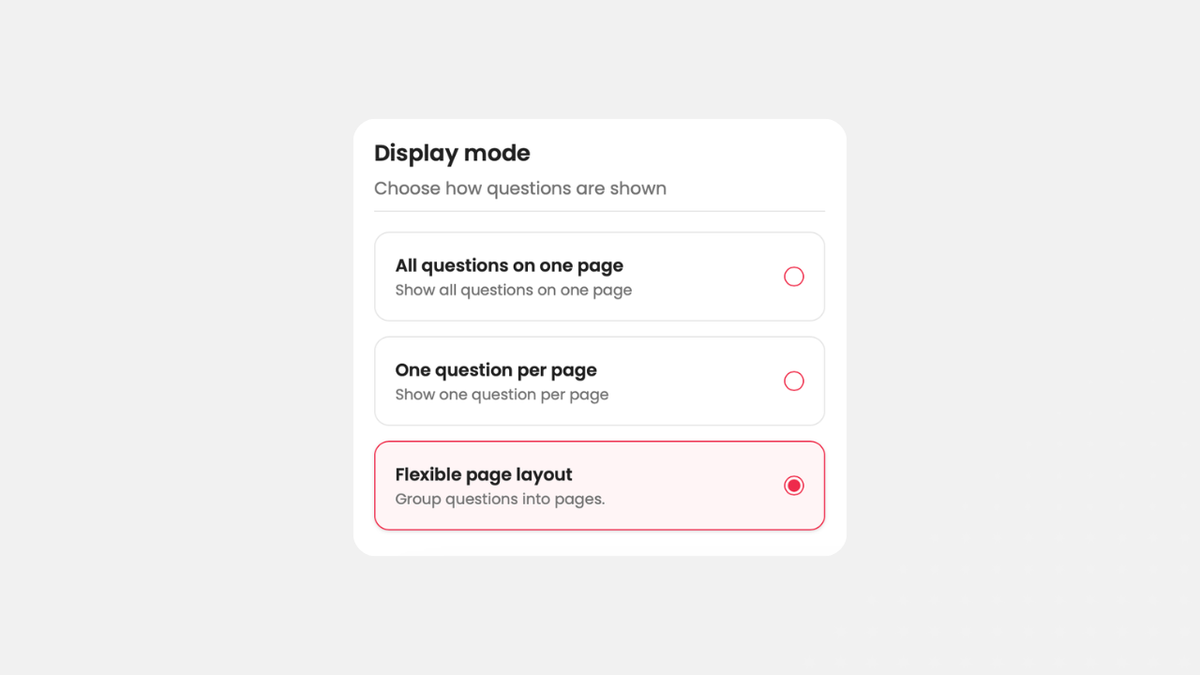
A sensible middle ground is the flexible option with one page per topic.
Not every block of questions applies to everyone. Someone who never works from home doesn’t need to see the questions about their equipment at home. You handle cases like this with survey logic and branching rather than showing everyone everything and hoping they’ll tick “not applicable”.
The order of the four components stays the same. Branching skips blocks, it doesn’t swap them round. A survey in which the demographic questions come at the start for some people and at the end for others produces answers you can no longer compare.
An example of the perfect survey structure
Here is the complete structure of the employee survey that has accompanied you through this article, page by page:
| Page | Content | Purpose |
|---|---|---|
| Welcome page | title, two sentences on the purpose, a duration of around ten minutes, start button | inviting people to take part |
| Privacy page | privacy notice and consent via tick box | getting permission before the first question appears |
| Survey information (optional) | an overview of the survey’s sections and content, clarification of key terms (for example: “line manager” means the team leader, not senior management) | giving everyone the same starting point |
| Section 1: Day-to-day work | overall satisfaction, workload, whether someone works from home | a gentle start and a filter for the logic |
| Section 2: Working from home | coordination within the team, equipment at home (only for those who work from home) | details only for the people concerned |
| Section 3: Management and teamwork | support from the line manager, open question on possible improvements | more specific and sensitive topics once trust has been built |
| Demographic questions | department, length of service in bands, management responsibility | analysis by group |
| End page | thanks, date the results will be presented, contact at the HR department | saying goodbye and leaving room for follow-up questions |
To keep the survey anonymous, only ask for personal details in categories, for example age as “30 to 39”, and never ask for names, email addresses or any other characteristic that could clearly identify someone. The same applies when you analyse the results: only report on a group separately if doing so doesn’t allow anyone to draw conclusions about a specific person. If, for instance, only one man under 30 works in IT, don’t show that combination on its own, otherwise it will be obvious straight away whose answers they are. You can find out more in our article on anonymous surveys.
You’ll find more examples and ready-made questionnaire templates in our survey template library.
Conclusion
A survey has four components: the introduction, the main body, the demographic questions and the closing page. Their order is not arbitrary. Keep to it and you’ll ask for permission in good time, put the important questions while attention is high and say goodbye in a way that makes people happy to take part again.
The biggest impact comes from an unassuming decision: putting what matters most first. The questions you care about get people’s full attention and the demographic questions, which are answered correctly even with half an eye on the screen, come at the end.
Where to go next
- Not sure how to word your privacy notice, or whether you need one at all? Data protection in surveys
- Deciding which personal details to ask for? Demographic questions in surveys
- Want to rework the questions themselves? Create a questionnaire
Rather not start from scratch?
Our questionnaire templates come with the introduction, question blocks and closing page already in the right order.