

You want to run a survey and you are stuck on the question of which survey tool actually suits you? The choice is huge, and nearly every provider promises the same thing. The difference only shows up once the first responses come in.
There is no single best survey tool in 2026: empirio.ai fits when data privacy and AI support matter, Google Forms suits quick private polls without sensitive data, Microsoft Forms suits teams already living in Microsoft 365, and SurveyMonkey and Typeform suit larger projects with a budget for a paid plan. We checked the pricing and help pages of all five providers on August 11, 2026.
📌 The key points at a glance
- Google Forms is completely free with no cap on responses.
- empirio.ai is free for up to 50 participations per month.
- Microsoft Forms allows 200 responses per survey on the free plan.
- SurveyMonkey shows 40 free responses per survey.
- University research usually needs IRB review before any data is collected.
Create a survey for free
With empirio.ai you can create a modern online survey in minutes — with 100% data protection from Germany.
Start for freeWhat actually matters in a survey tool
A survey tool is software that lets you build a questionnaire online, share it and analyze the answers in one place. All five providers in this comparison can do that. The difference lies in when it starts costing money, where the data sits and how far the analysis carries you.
Before you decide, five points are worth a look. They sound unspectacular, but in practice they decide whether you still like your survey two weeks later.
- Response limit: how many responses can you see for free, and what happens to the ones above that?
- Question types: single choice, multiple choice, open text, matrix and scales. The overview of question types in surveys shows which form carries which purpose.
- Analysis and export: filters, crosstabs and an export to Excel or SPSS if you want to run your own statistics.
- Data privacy: where are the servers, and what does the provider promise about retention? The article on data protection in surveys goes into the detail.
- Logic: jumps between questions, so nobody sees questions that make no sense for them.
If you are unsure about the structure, the guide to creating a questionnaire will help you more than any tool. A weak questionnaire stays a weak questionnaire even in the most expensive software.
The 5 best survey tools 2026 in detail
Five tools cover almost every case in the US market: empirio.ai, Google Forms, Microsoft Forms, SurveyMonkey and Typeform. The order is not a ranking, it follows the use case.
One note in our own interest: empirio.ai belongs to us. That is why our own tool comes first, so nobody discovers only in the last paragraph that we have a stake in this. What empirio.ai cannot do is stated just as plainly as what it can.
empirio.ai: AI questionnaires with EU hosting
empirio.ai, an online survey tool from Germany, builds the first questionnaire from a description: you say in one sentence what you want to know and get a draft with matching question types and answer options. The free plan covers up to 50 participations per month across as many surveys as you like, and the number of questions is unlimited on every plan (as of August 2026).
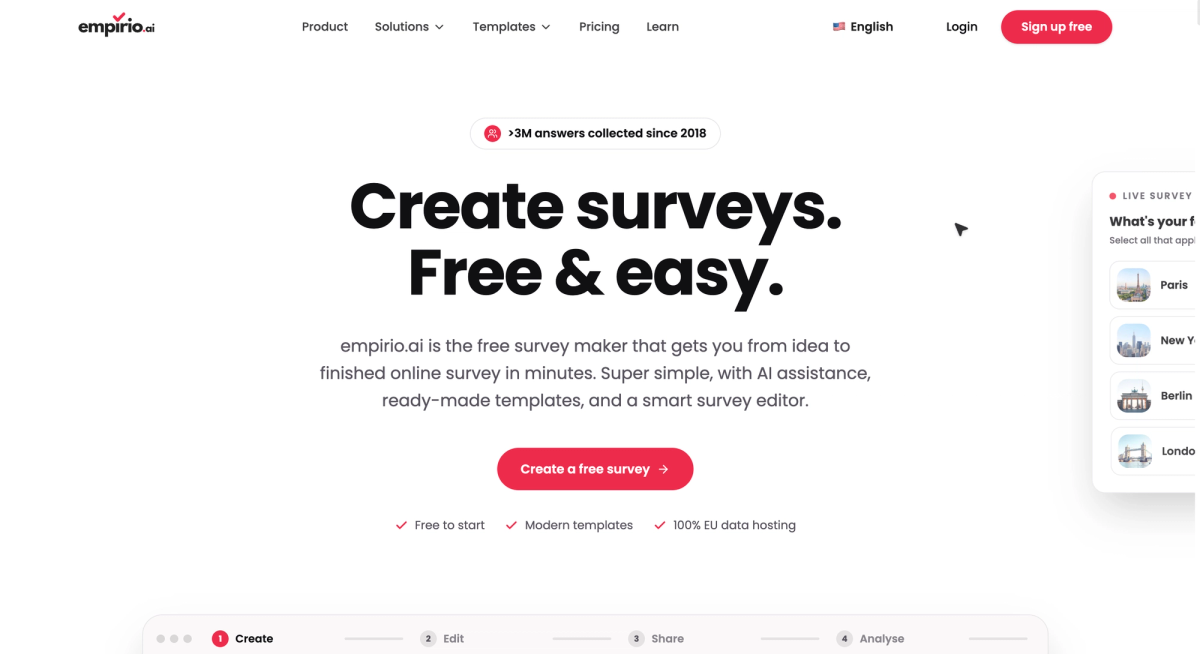
Paid plans start at 19 dollars a month and raise the limit to 100, 1,000 or 3,000 participations a month. Export to CSV, Excel and SPSS comes with the Lite plan, AI analysis of open text answers from Plus. According to the provider, survey data sits on servers in the EU, which matters if any of your respondents live in Europe.
Where empirio.ai is not the right choice: panel studies with quota control, enterprise rollouts with their own approval workflows, and any case where you need a data export while still on the free plan.
Google Forms: the free entry point
Google Forms, the free form tool from Google, is the only one of the five that is completely free and collects an unlimited number of responses. Above larger volumes some reporting drops away: the individual view above 10,000 responses, the summary above 50,000, and the sync with Google Sheets above 100,000. One form holds 300 pieces of content and 75 sections.
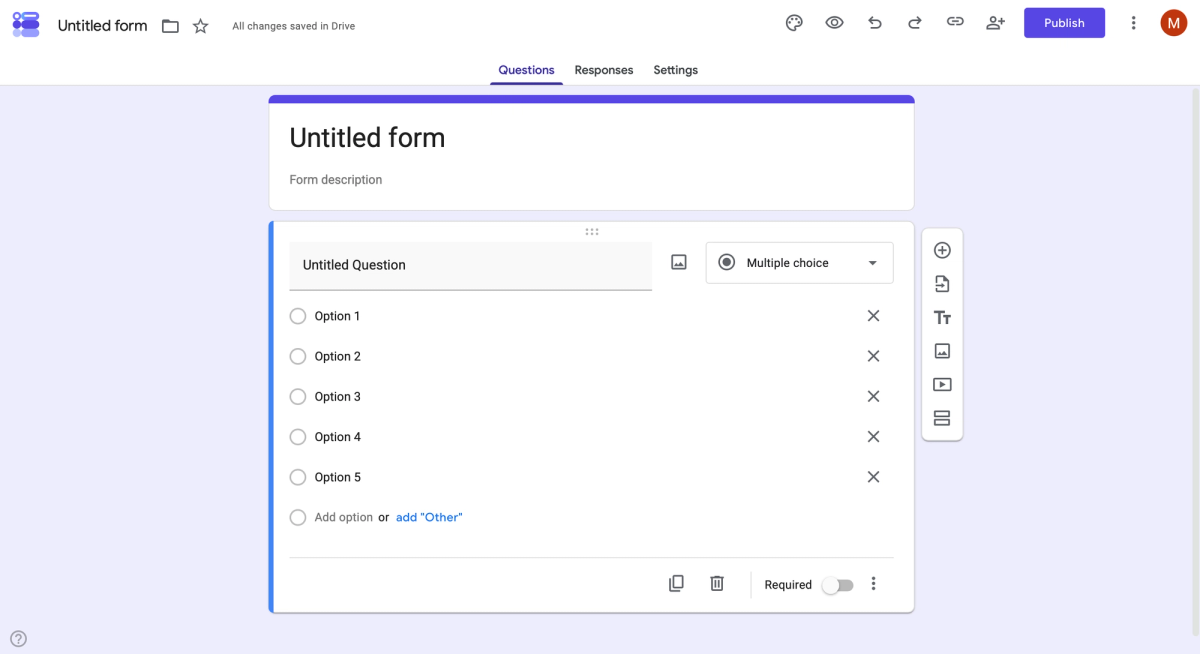
Twelve question types are available, and branching works on multiple choice, checkbox and dropdown questions. A data processing addendum is tied to a Google Workspace or Cloud Identity agreement and is accepted by a super administrator in the Admin console, which also matters for FERPA and HIPAA agreements. A private Google account cannot do that. The AI help when creating a form sits behind a paid subscription, for private users Google AI Pro or Ultra (as of August 2026).
Microsoft Forms: already inside Microsoft 365
Microsoft Forms is included in most Microsoft 365 plans, which is why it is available in many teams without anyone deciding to buy it. On the free plan with a personal Microsoft account a survey accepts up to 200 responses, on a paid account up to 1,000. One survey holds up to 200 questions and one account up to 400 forms (as of August 2026).
You often read that Microsoft Forms cannot do branching. That is wrong: the feature is included in every plan. Microsoft Forms only jumps forward, though. From question 4 you can go to question 5, 6, 7 or the end of the form, never back to question 2. If you need a jump backwards, reorder the questionnaire or pick a different tool.
SurveyMonkey: the international classic
SurveyMonkey is the international classic among survey tools and correspondingly broad. The free BASIC plan allows unlimited surveys with 10 questions each. Of the responses you collect you get to see 40 per survey, and that figure is not on the pricing page: SurveyMonkey only shows it once you are signed in, and it can differ by country (as of August 2026).
US pricing lists individual plans at 99 dollars a month on monthly billing for 1,000 responses, and 39 dollars a month on the annual plan, with 15 cents per response above the included volume. European pricing differs, so check the page for your own country. SurveyMonkey also offers special pricing for students and educators in the US, and responses above a plan limit cannot be viewed and are deleted.
Typeform: one question per screen
Typeform is the international classic in its visually more modern form, strongly focused on forms: one question per screen, a calm layout, few distractions. The free plan allows unlimited forms but only 10 responses a month, counted across all forms together.
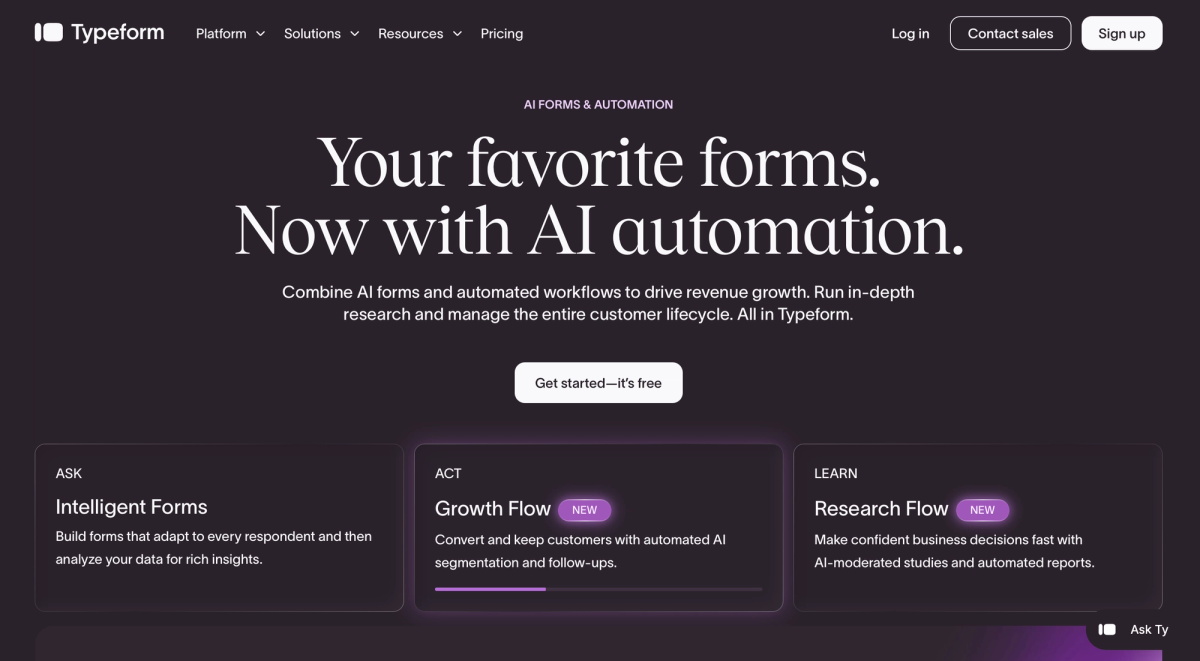
Paid plans start at 39 dollars a month for 100 responses monthly. Typeform states itself that it sometimes shows different prices, so a look inside your own account is worth it. When a response limit is reached, Typeform switches the forms to private mode instead of collecting further answers.
Survey tools in direct comparison
The fastest way to a shortlist runs through two questions: how far does the free plan carry you, and where is the catch? Both are in the table, everything else depends on your use case.
The figures come from the pricing and help pages of the providers, checked on August 11, 2026. Limits change without notice and partly differ by country, so a look at the pricing page before you start is never wasted.
| Tool | Free up to | The main catch |
|---|---|---|
| Google Forms | unlimited responses | agreements need a Workspace contract |
| empirio.ai | 50 participations per month | data export only from the Lite plan |
| Microsoft Forms | 200 responses per survey | branching only jumps forward |
| SurveyMonkey | 40 responses per survey | responses above the limit are deleted |
| Typeform | 10 responses per month | forms go private once the limit is hit |
As of August 2026, subject to change.
Create a survey for free
With empirio.ai you can create a modern online survey in minutes — with 100% data protection from Germany.
Start for freeWhich survey tool suits you?
Which survey tool suits you comes down to three things: how many responses you expect, how sensitive the data is and whether you want to run your own statistics afterwards. The table sorts the most common cases.
Find the row closest to your situation. If two rows fit, the one with the more sensitive data decides.
| Your case | What matters then | What that means for the tool |
|---|---|---|
| Survey for a thesis | IRB requirements and a clean export | empirio.ai exports to CSV, Excel and SPSS from Lite |
| Employee survey | anonymity and a known server location | EU servers at SurveyMonkey and Typeform need enterprise |
| Customer feedback on the move | short survey, mobile display | Typeform starts charging at the eleventh response |
| Vote in a club or team | free, no sensitive data | Google Forms states no upper limit for responses |
| Internal survey at work | no new tool to introduce | Microsoft Forms sits inside most Microsoft 365 plans |
| Representative market study | sampling and method | Who you ask matters more than which tool you use |
For academic work it pays to look at the online survey as an empirical research method before choosing a tool. For surveys inside a team, the software matters less than how you set up an anonymous survey properly.
Free survey tools: where the limits really are
Free survey tools rarely fail because of missing features, almost always because of the response limit. The thresholds sit far apart: 10 responses a month at Typeform, 40 responses per survey at SurveyMonkey, 50 participations a month at empirio.ai and 200 responses per survey at Microsoft Forms. Google Forms is the only one that sets no limit at all.
Watch what each number refers to, because the providers count differently. Typeform adds up its 10 responses across all forms, SurveyMonkey and Microsoft Forms release their quota per survey, and empirio.ai counts 50 participations a month across every survey you run. With two surveys in the field at once, that difference decides everything.
The SurveyMonkey figure is the reason comparisons across the web disagree at this point. It is not on the pricing page, which says only that the number is limited and shown after you sign in. Inside a signed-in account it is 40 responses per survey.
⚠️ Watch out
SurveyMonkey states in its own help center that responses above a survey limit cannot be viewed and are deleted. At empirio.ai they stay stored and become visible again after an upgrade. Settle this point before you send the invitation, not afterwards.
A paid plan pays off as soon as one of these points applies: you survey more people than the free plan allows, you need an export for Excel or SPSS, you want the provider notice removed from the survey, or several people should work on the same survey. What the whole thing costs in the end, including participants and your own working time, is worked through in what an online survey costs.
Common mistakes when choosing a survey tool
Most disappointments with a survey tool come not from the tool but from a decision made two weeks earlier. Three mistakes turn up again and again.
They share one feature: they only surface once the survey is running. That is exactly when switching is most expensive, because responses cannot realistically be moved from one provider to another.
Mistake 1: looking at the price and missing the response limit
The price is the most visible number on any plan page, the response limit is the most important one. A free tool is little use if nobody can see what was answered from response 51 onwards. Before you start, estimate roughly how many people you will invite and how many will realistically take part. Plan with the optimistic estimate, otherwise the limit lands in the middle of your fieldwork.
Mistake 2: checking the rules only after sending
Privacy duties in the US depend on who you ask and what you ask. Student records fall under FERPA, health information under HIPAA, and residents of California and several other states have their own privacy statutes. Research at a university normally needs review by an Institutional Review Board before any data is collected. And if any respondent lives in Europe, GDPR applies on top. Your institution or counsel decides the case, and this article is not legal advice.
Mistake 3: expecting too much from branching logic
Branching sounds like a detail and is the most common reason to rebuild a finished questionnaire. Microsoft Forms jumps forward only, and Google Forms jumps to sections rather than to individual questions. If your questionnaire needs to point backwards at some stage, test that one jump before you enter all the questions.
💡 Tip
Never test a tool with a joke question about a favorite color. Rebuild the three hardest questions from your real survey, send the link to three people and then actually analyze the answers. After 30 minutes you know whether the tool holds up, and the hardest questions are already written.
Conclusion
The best survey tool is the one whose limit you reach only after your final response. If you stay below 50 responses a month and want a known server location, empirio.ai carries you for free. If you survey regularly, compare the price per response rather than the monthly price.
What to read next
- Ready to build the survey? Creating a questionnaire step by step
- Want to know the budget first? What does an online survey cost?
- Still need the questions? Survey templates and examples
- Want more responses? 6 tips for a successful online survey
- Collecting answers at an event? Create a survey with a QR code
Want your survey finished in the next ten minutes?
Describe in one sentence at empirio.ai what you want to know, and the AI drafts the first questionnaire for you. Up to 50 participants a month it costs nothing.
Frequently asked questions
Create a survey for free
With empirio.ai you can create a modern online survey in minutes — with 100% data protection from Germany.
Start for free