

Need a vocab check for your fifth graders, a compliance quiz for new hires or trivia for game night? Every quiz maker promises automatic grading. Whether that promise holds only becomes clear when 30 submissions come in at once and you want to see who passed.
The best tool for your quiz in 2026 depends on three things: whether grading runs automatically on the free plan, how many people can take part for free and where the results are stored. empirio.ai, a tool from Germany for surveys, forms, quizzes and live polls, grades automatically for free, while Typeform charges for quizzes from day one.
We put five quiz makers side by side: empirio.ai, Google Forms, Microsoft Forms, SurveyMonkey and Typeform. By the end you will know which one carries your quiz for free and where costs begin.
📌 The key points at a glance
- empirio.ai grades quizzes automatically on the free plan.
- empirio.ai offers passing scores, time limits and per-question explanations.
- Google Forms grades quizzes for free with no response cap.
- Microsoft Forms grades up to 200 free responses per quiz.
- Typeform offers quizzes only on paid plans from $39.
Create a survey for free
With empirio.ai you can create a modern online survey in minutes — free to start.
- AI-built survey
- Adjust by drag & drop
- Real-time analysis
What really matters in a quiz maker
A quiz maker is software that lets you store the correct answer to each question, assign points and have every submission graded automatically. The difference from a survey: there is a right and a wrong answer, and at the end there is a score. That grading is exactly where the tools part ways.
Six points decide whether a quiz maker works for you. The first two sound obvious, yet two of the five providers restrict them on the free plan.
- Automatic grading: Does the tool calculate the score itself, and for which question types?
- Results for participants: Do they see their score and the correct answers at the end, and can you control when?
- Passing score and time limit: Almost always needed for tests in class, in training and in onboarding.
- Explanations per question: A quiz that explains why an answer was wrong teaches more than a bare number.
- No sign-in required: If people have to log in first, noticeably fewer of them finish.
- Data privacy: Scores tied to students, trainees or employees are personal information, and schools have their own rules for them.
Good questions matter more than any tool, by the way. A question with two obviously wrong options measures nothing, however polished the results look. We show you how strong answer options work in our guide to multiple choice questions.
The 5 best quiz makers 2026 in detail
Five tools cover most cases in the US market for online quizzes with automatic grading: empirio.ai, Google Forms, Microsoft Forms, SurveyMonkey and Typeform. The order is not a ranking, it follows the use case.
A word in our own interest: empirio.ai is our product. That is why it comes first, so nobody finds out only in the last paragraph that we have a stake here. What empirio.ai cannot do is listed just as plainly as what it can.
empirio.ai: quizzes with passing score, time limit and AI
empirio.ai, a tool from Germany for surveys, forms, quizzes and live polls, has had a quiz mode since November 2026. You set the correct answer and the points for each question, and every submission is graded automatically. Its strengths in one line: modern design, easy to use, a large free offering, many AI tools, EU hosting. The AI drafts questions, answers and explanations from your topic, audience and learning goal, and existing quizzes import from Word or PDF.
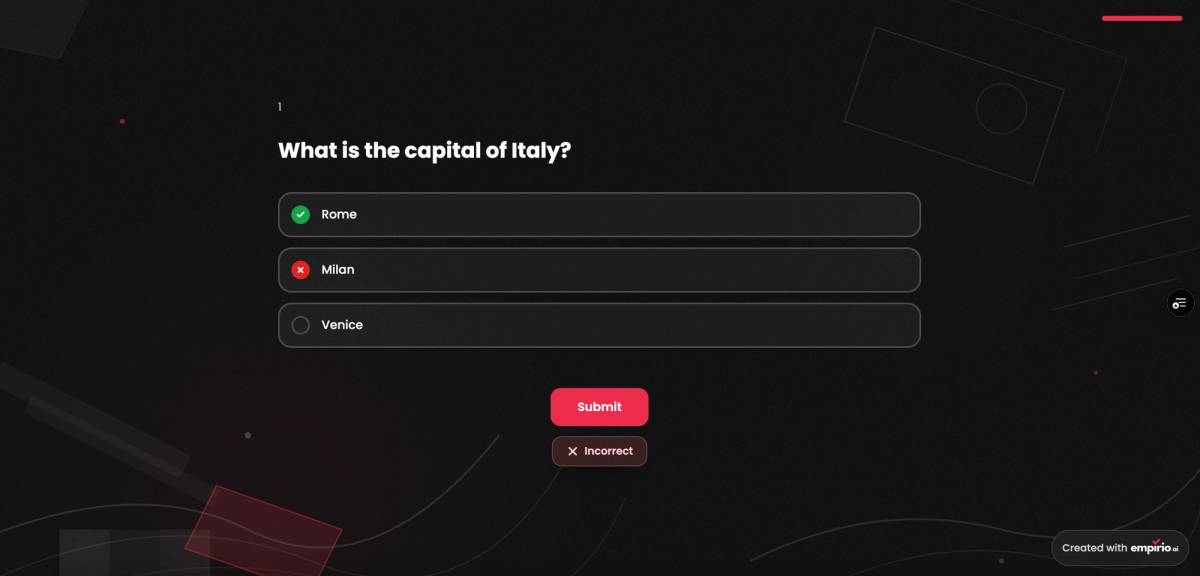
Tests get a passing score in percent and a time limit: none, 5, 10 or 15 minutes, or a value of your own. You decide whether answers appear after each question, at the end or never, and whether the final score shows. Results appear per person, with the score and pass or fail, and per question. Participants join in the browser, no account needed.
The free plan covers up to 50 participants a month across all your quizzes, surveys and forms. The prices are: Free, Lite $19, Plus $39, Pro $69 per month (cancelable monthly). Results and AI processing stay on servers in the EU, and the data processing agreement is included on the free plan (as of November 2026), which matters once anyone taking your quiz lives in Europe.
Perfect for: knowledge checks in class, in training and in onboarding.
Strengths
- Automatic grading on the free plan already.
- Passing score, time limit and an explanation per question.
- The AI writes questions, correct answers and explanations.
- No account needed, join via link or QR code.
- Servers in the EU and a data processing agreement from the free plan.
Limitations
- Free for up to 50 participants a month.
- Export to Excel, CSV and SPSS only from Lite.
- AI analysis only from Plus.
Google Forms: the free quiz with no response cap
Google Forms, the free form tool from Google, has a quiz mode with an answer key and automatic grading. There is no cap on responses, and the results go to Google Sheets or download as a CSV file. Plenty of teachers already use Google Forms for homework checks and exit tickets, often through the school's Google account.
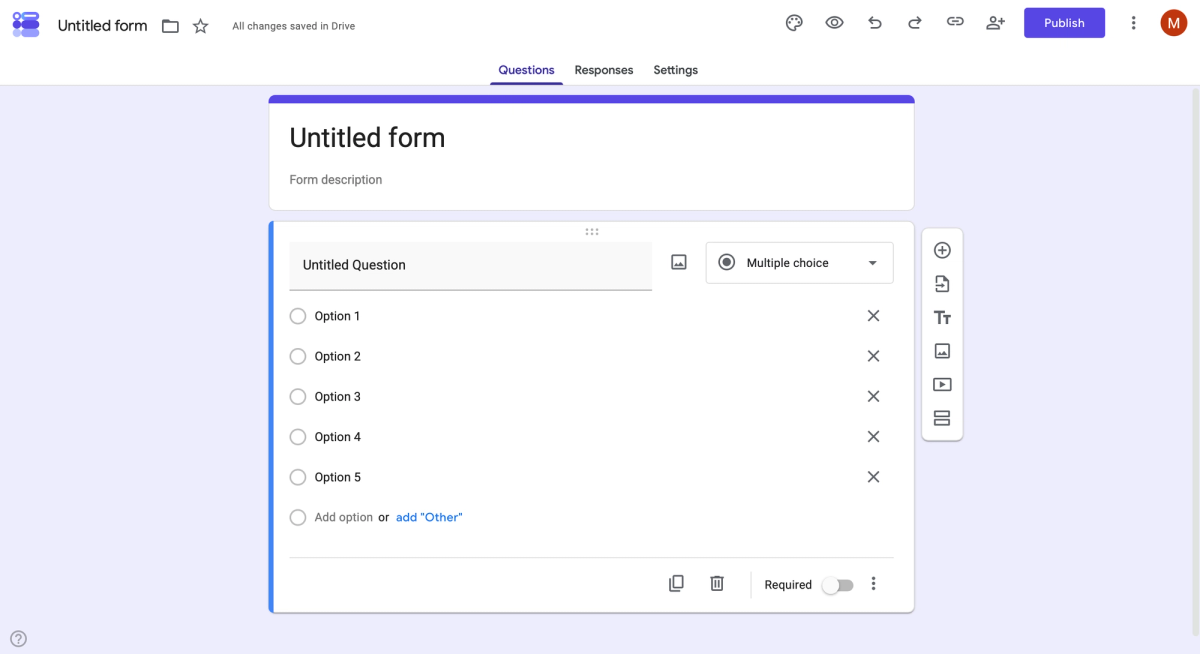
The limits lie in design and data privacy. The look can hardly be customized, multilingual quizzes are not supported, and branching only jumps to sections. A data processing agreement requires a paid Google Workspace plan, a personal Google account cannot provide one. If your school runs Google Forms through a district-managed account, ask the district which agreement with Google covers it. We walk you through every setting in our Google Forms step-by-step guide (as of November 2026).
Perfect for: simple knowledge checks without sensitive data.
Strengths
- Completely free, with no cap on responses.
- Quiz with answer key and automatic grading.
- Results go straight into Google Sheets.
Limitations
- Design barely customizable, no multilingual quizzes.
- Branching only via sections.
- Data processing agreement only with a paid Workspace plan.
Microsoft Forms: the quiz for schools on Microsoft 365
Microsoft Forms has a quiz mode with correct answers, points and automatic grading, and you can show participants their result if you want. Many schools and companies already have the tool through Microsoft 365, and there is no separate Forms subscription. Results go straight to Excel, and sharing runs through Teams.
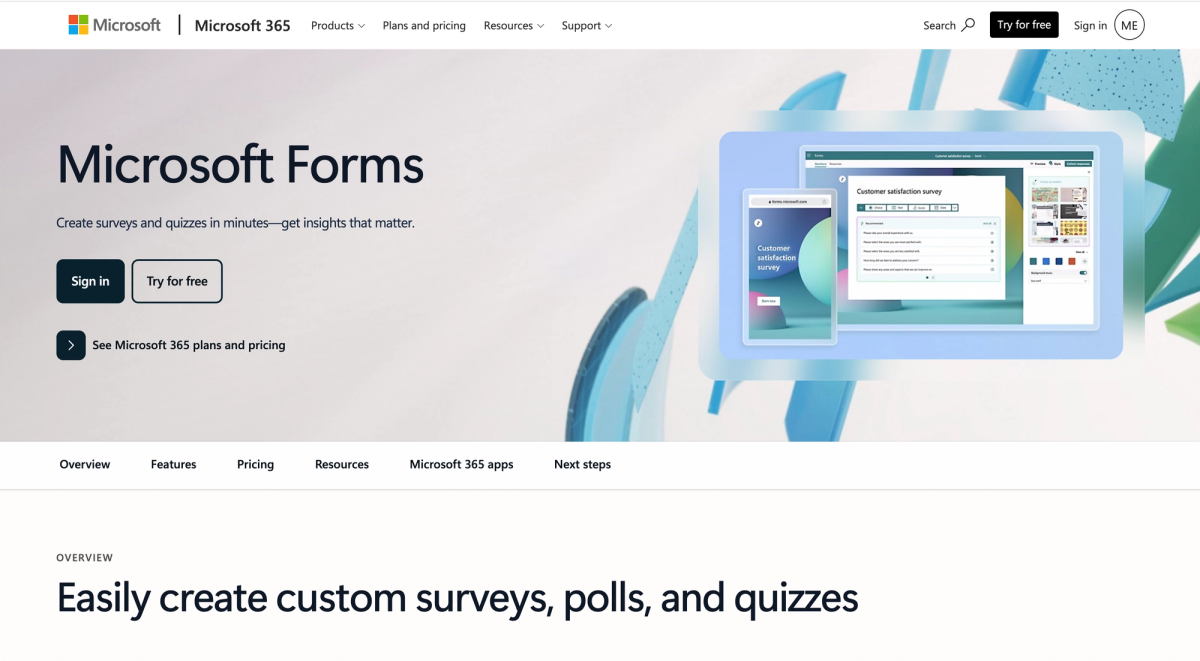
With a free Microsoft account a quiz accepts up to 200 responses, with a personal Microsoft 365 subscription up to 1,000. Branching only jumps forward, and the design leaves little room. With a work or school account, the organization's Microsoft 365 contract decides where the data is stored, and the data processing agreement comes with the first commercial Microsoft 365 contract. How the tool holds up against its closest rival is covered in our comparison Google Forms vs Microsoft Forms (as of November 2026).
Perfect for: schools and companies that work with Microsoft 365.
Strengths
- Free with a Microsoft account, included in Microsoft 365.
- Quiz with points and automatic grading.
- Export to Excel, sharing through Teams.
Limitations
- A maximum of 200 free responses per quiz.
- Branching only jumps forward.
- Little room in the design.
SurveyMonkey: a quiz with a results page, but a tight free plan
SurveyMonkey is the international all-rounder with many languages and use cases, and it offers quizzes with points, feedback and a results page. Points are added up automatically for multiple choice, checkbox, image choice and dropdown questions. The AI can draft the questionnaire on the free plan already.
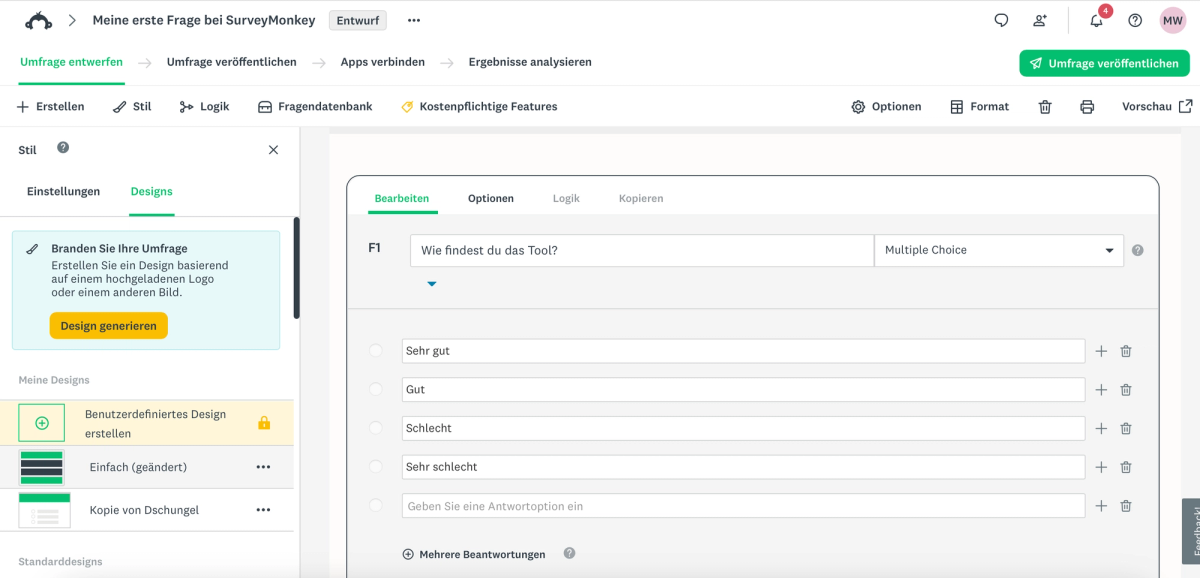
The free Basic plan is tight for quizzes: no more than ten questions and 40 responses per quiz, and the result at the end cannot be shown for free. Branching and data export start with Standard Monthly at $149 a month, the only paid plan you can pay month to month. Advantage Annual and Premier Annual are sold only as a full year. For US accounts the data sits in US data centers, and an EU data center is open to Enterprise customers only (as of November 2026).
Perfect for: teams with a budget that run many surveys and quizzes in one place.
Strengths
- Quiz with points, feedback and a results page.
- AI questionnaire drafts on the free plan.
- Lots of templates and question types.
Limitations
- Free means only ten questions and 40 responses per quiz.
- The quiz result at the end stays hidden on the free plan.
- Month to month only with Standard Monthly at $149.
Typeform: the quiz as a lead magnet
Typeform is the modern provider from Spain, strong in contact forms and lead funnels. Besides the knowledge quiz with points, Typeform offers an outcome quiz that sorts participants into a type based on their answers, a popular lead magnet in marketing. Each question gets a screen of its own.
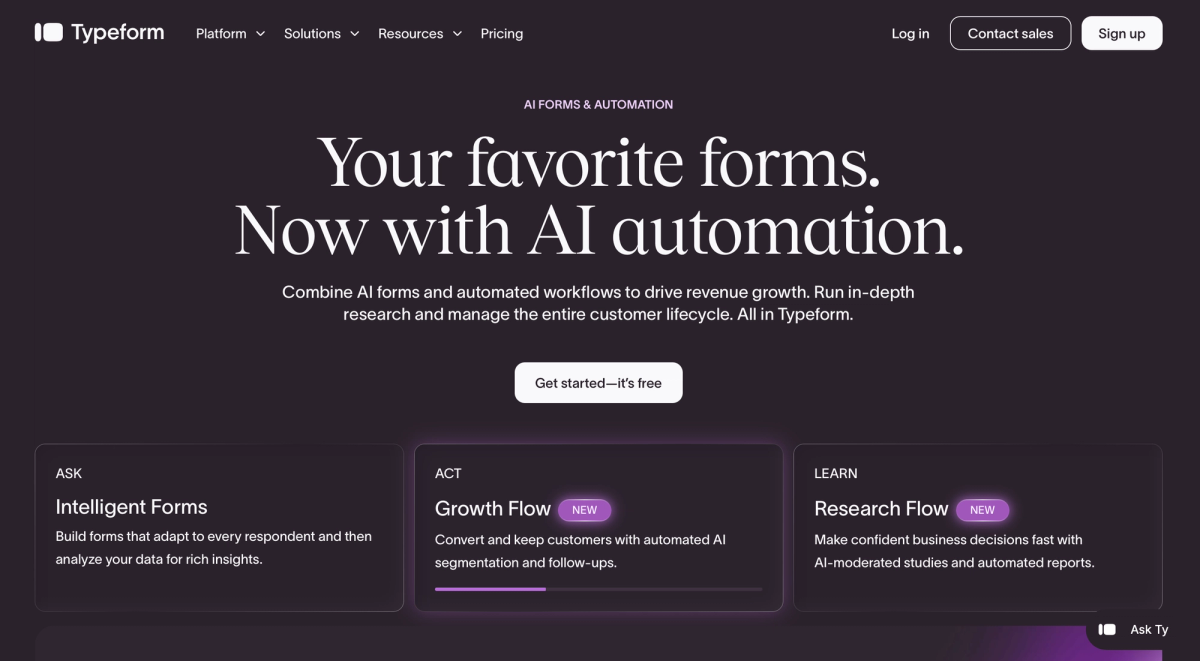
Quizzes start on the paid Basic plan at $39 a month with 100 responses. The free plan only gives you 10 responses a month across all forms anyway. From the 751st response in a month, Typeform moves the account to the Plus plan at $79 a month with three fixed seats. The data is stored on servers in Virginia. Typeform says itself that it sometimes shows different prices, so check the amount in your own account (as of November 2026).
Perfect for: marketing teams that use a quiz as a lead magnet.
Strengths
- Knowledge quiz and outcome quiz.
- Modern design, one question per screen.
- AI form drafts on the free plan.
Limitations
- Quizzes only from $39 a month.
- Free means only 10 responses a month across all forms.
- Automatic move to Plus at $79 from the 751st response.
Quiz makers in direct comparison
With quiz makers one question matters most: does the tool grade for free, and how many people can take part? Both answers are in the table, and the rest depends on what you use the quiz for.
The figures come from the providers' pricing and help pages. Limits change without notice, so a quick look at the pricing page before you start always pays off.
| Tool | Free quiz | The main catch |
|---|---|---|
| empirio.ai | yes, up to 50 participants a month | export only from Lite |
| Google Forms | yes, no response cap | no data processing agreement with a personal Google account |
| Microsoft Forms | yes, up to 200 responses per quiz | branching only jumps forward |
| SurveyMonkey | limited, 40 responses per quiz | result at the end hidden on the free plan |
| Typeform | no, quizzes from $39 a month | free plan capped at 10 responses a month across all forms |
As of November 2026, subject to change.
Which quiz maker suits you?
Which quiz maker suits you comes down to three things: who takes part, whether the result has consequences and which software already runs at your school or company. The table sorts the most common cases.
Find the row closest to your situation. If the quiz feeds into a grade or a sign-off, the privacy column is the one to read first.
| Your case | What matters then | What that means for the tool |
|---|---|---|
| Knowledge check in class | free, student privacy, no logins | empirio.ai grades for free and needs no student accounts |
| School on Microsoft 365 | no new tool to introduce | Microsoft Forms is usually already in use there |
| Compliance or onboarding quiz at work | passing score and proof | empirio.ai shows the score and pass or fail per person |
| SAT or certification prep against the clock | time limit and explanations | empirio.ai offers both for free |
| Trivia at a birthday party | quick, no sensitive data | Google Forms does the job with no response cap |
| Personality quiz as a lead magnet | design and outcome types | Typeform is made for it, but costs from $39 a month |
Ready-made quizzes you can adapt are waiting in the empirio.ai template library, all of them free. And if you hand out the quiz in the room, our post on sharing via QR code shows you how.
Create a survey for free
With empirio.ai you can create a modern online survey in minutes — free to start.
- AI-built survey
- Adjust by drag & drop
- Real-time analysis
Free quiz makers: where the limits are
Free quiz makers differ less in question types than in grading. Google Forms, Microsoft Forms and empirio.ai grade automatically for free, SurveyMonkey only with restrictions, Typeform not at all. Miss that, and you end up grading by hand after all.
The second limit is the number of participants. Google Forms sets none, Microsoft Forms allows 200 responses per quiz, empirio.ai 50 participants a month across all quizzes, SurveyMonkey 40 responses per quiz. Almost any of the five covers one class of 25, but not every one covers the same unit test for all four of your class periods in one week.
What quiz takers see at the end
A quiz works best when participants learn their result. Google Forms and Microsoft Forms show it if you want, and empirio.ai lets you choose whether answers are revealed after each question, at the end or not at all, and whether the score is visible. At SurveyMonkey the results page stays closed on the free plan. For a practice quiz that is a real drawback, because that moment is where the learning happens.
Passing score, time limit and explanations in quiz makers
For tests in training and onboarding you usually need more than a score. empirio.ai offers a passing score in percent, a time limit and an explanation per question on the free plan already. An explanation of the correct answer turns a test into a lesson: anyone who gets it wrong learns right away why, instead of just seeing a number.
Common mistakes when choosing a quiz maker
Most disappointments with a quiz maker show up on test day, when 25 people tap the link at the same time. Three mistakes come up again and again.
All three can be avoided with a test run beforehand. Yet many people skip exactly that step, because the quiz already looks finished in the editor.
Mistake 1: not testing the grading with a real run
A quiz can look flawless in the editor and still score wrong, because one question is missing its answer or a multiple-select question is graded differently than you expected. Before you go live, take the quiz once with all correct answers and once with all wrong ones. If both scores come out as expected, the grading works. At empirio.ai a quiz can only be published once every graded question has a correct answer.
Mistake 2: requiring a sign-in nobody has
A quiz that requires an account shuts out exactly the people you want to reach: guests without a school login, new hires on their first day, parents at back-to-school night. Check before sending whether participants can join without signing in. If you still need to limit the quiz to certain people, ask for an ID inside the quiz instead of requiring an account.
Mistake 3: storing student scores without checking the rules
Quiz results from school are personal information, usually about minors. Under FERPA, records directly related to a student and kept by the school or by a party acting for it count as education records, as the federal regulations on the student privacy site of the U.S. Department of Education define them (accessed November 10, 2026). On top of that, your district often decides which apps teachers may use with students. If in doubt, ask your principal or the district's privacy contact before you test the first class. What applies to surveys more generally is covered in our guide to data privacy in surveys.
Tip
Let the AI draft ten questions first, then delete half of them. What stays are the questions where even the wrong answers sound plausible. Those are the ones that show who actually understood the material and who just guessed.
Conclusion
The best quiz maker is the one that grades automatically on the free plan and lets your participants join without an account. If you need a passing score, a time limit and data stored in the EU, empirio.ai covers that for free. Schools and companies already on Google Workspace or Microsoft 365 get a solid quiz there without a new tool.
One point decides things in practice more often than it comes up in comparisons. In the US, whether you need a contract with your quiz maker depends on whom you test and what you store: student records fall under FERPA, and university research usually needs Institutional Review Board approval first. The picture changes as soon as your quiz reaches people in Europe. The GDPR can then apply to a US organization too, for example when it offers its services to people in the EU, as the European Commission explains (accessed October 20, 2026). The tool provider then processes personal data on your behalf, which requires a data processing agreement (Article 28 GDPR). The UK has the same duty under UK GDPR.
Purely private quizzes among family and friends are a different matter. Whether your specific case falls under these rules is for your organization's privacy officer or legal counsel to decide, at a public school for the district and at a university for your IRB. This article is not legal advice.
Among these five tools, the data processing agreement draws a clear line. empirio.ai, SurveyMonkey and Typeform provide it on the free plan already. At Google Forms it depends on a paid Workspace plan, at Microsoft Forms on the first commercial Microsoft 365 contract. EU storage comes free at empirio.ai and only with an Enterprise contract at SurveyMonkey, while Typeform stores data on servers in Virginia.
What to read next
- Setting up your quiz in Google Forms? Our Google Forms walkthrough
- Want to poll the room live? Live polling tools compared
- Need sign-ups rather than answers? Form tools compared
- Looking for a SurveyMonkey alternative? SurveyMonkey alternatives
- Want opinions rather than knowledge? The best survey tools compared
Want your quiz finished in the next ten minutes?
Give empirio.ai a topic, an audience and a learning goal, and the AI drafts questions, correct answers and explanations. Grading is automatic and free for up to 50 participants a month.