

Until now, most people knew empirio.ai as a survey tool. Whether for a college paper, a school project, an employee survey at work, or customer feedback after a purchase: if you wanted to collect opinions, you created a modern survey with us in just a few clicks. Along the way, you kept showing us that you do much more with empirio.ai. You collected registrations for events, let your seminar vote on the spot, or put together small knowledge tests, even though the tool was not really designed for that.
That is exactly what we have picked up on. Starting now, you can create live polls, online forms, and quizzes with empirio.ai in addition to surveys. Prices stay the same: all new features are free to use, and you do not need to activate anything in your account.
Create a survey for free
With empirio.ai you can create a modern online survey in minutes — free to start.
- AI-built survey
- Adjust by drag & drop
- Real-time analysis
What's new: live polls, forms, and quizzes
Live polls
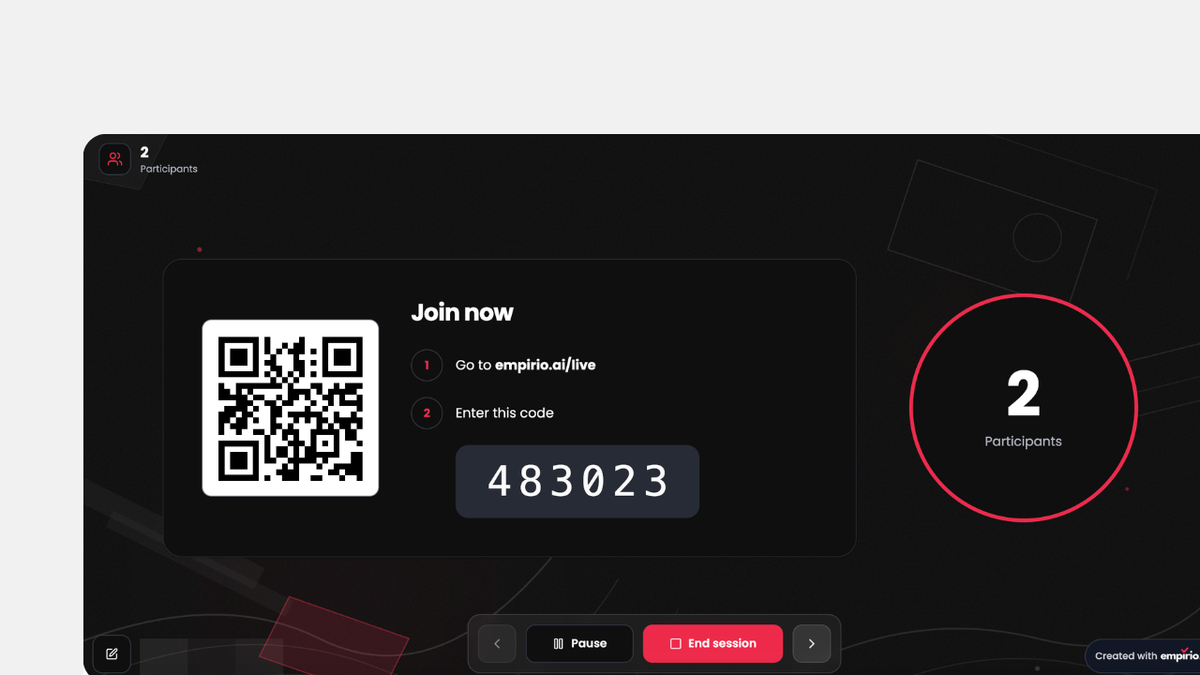
You are standing in front of a group and want to know right away what everyone thinks? With a live poll, everyone votes directly on their smartphone and you watch the results come in live. It fits perfectly into a lecture, a team meeting, a workshop, or a club meeting, wherever a decision needs to happen fast and without a show of hands.
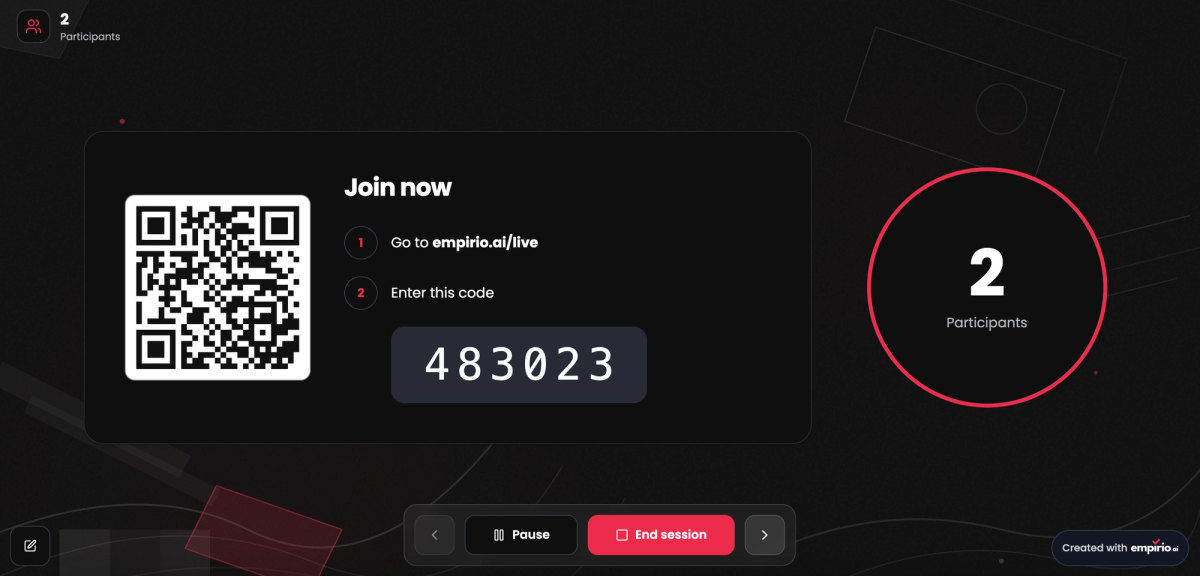
To join, everyone simply scans the QR code or enters the code at empirio.ai/live. You can see how many people have joined, and you control the poll yourself.
Online forms
Many of you already used empirio.ai for online forms, for example for registrations or orders. So you no longer have to improvise, there are now two new answer types: participants can upload files, such as a résumé or a photo, and pick a date or an appointment from a calendar. That way you can set up a registration for the summer party, a job application with documents, or an appointment request in just a few minutes.
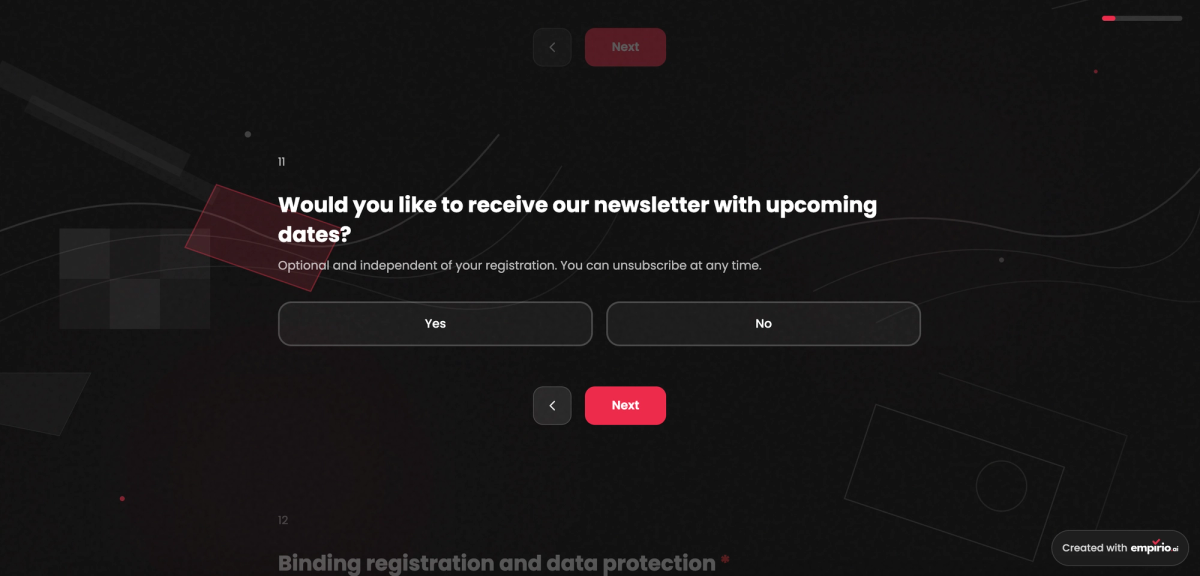
This is what a registration form can look like, for example, where you also ask at the end whether someone would like to receive your newsletter.
Quiz mode
In quiz mode, you test knowledge instead of collecting opinions. You set which answers are correct, assign points, and can add an explanation to every question. It works well for checking what students have learned, wrapping up a training session at work, or simply for a fun round at a team event.
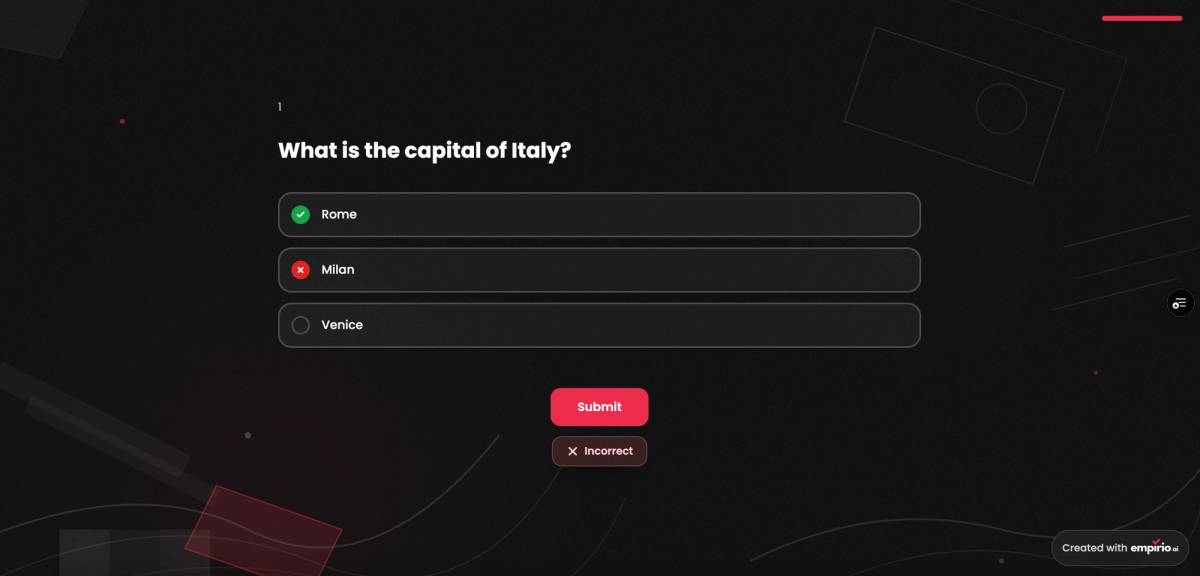
Depending on your settings, participants see after each question or at the end whether their answer was right and which one would have been correct.
How it works: choose a type and get started
There is nothing to set up and nothing to unlock. The new types are available as soon as you create something new:
- In your dashboard, start a new survey as usual.
- Choose whether you want to create a survey, a quiz, or a live poll. For a form, simply choose the survey.
- Write your questions in the editor, just as you know it from empirio.ai.
Changed your mind? No problem. You can change the survey type at any time in the editor under Settings, for example if a survey should become a quiz after all. Right at the top, in the Mode section, simply pick a different type.
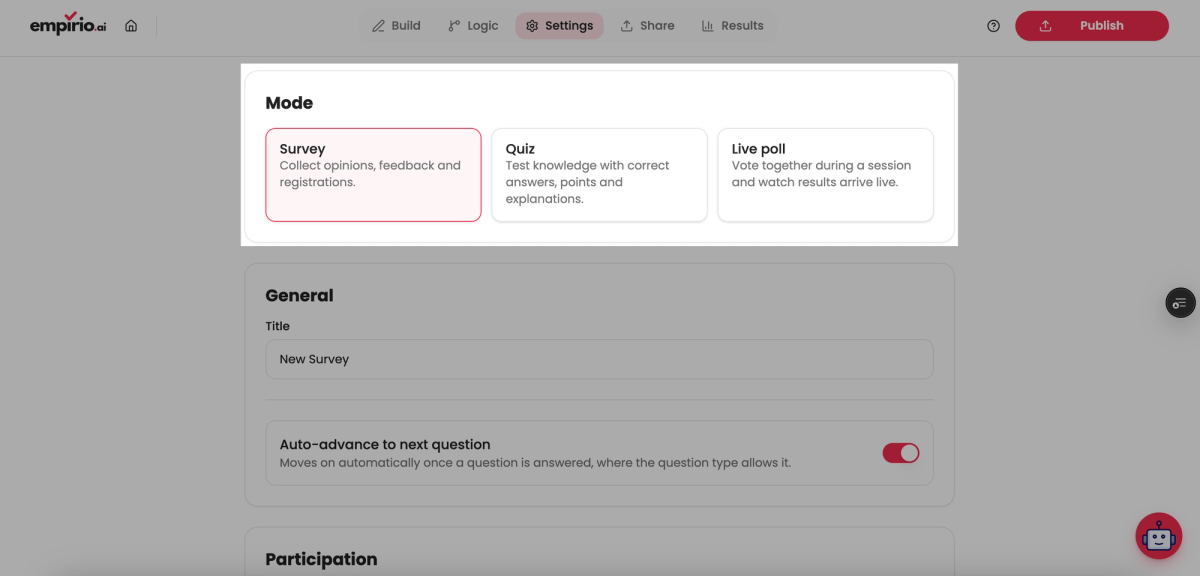
The screenshot shows the three modes Survey, Quiz, and Live poll, which you can switch between with a single click.
Your benefits at a glance
- You create surveys, live polls, forms, and quizzes in one single tool.
- All new features are free to use, and prices stay the same.
- There is nothing to activate: the new types can be selected right away.
- You can change the type at any time in the editor.
- Forms can now also include file uploads and a date or appointment picker.
With empirio.ai, you can now create surveys, live polls, forms, and quizzes for free. Just try out the new types in your next project and tell us what you use them for.
Best, Marvin
Co-Founder, empirio.ai